
| User Roles |  Admin Admin |  Staff contributor Staff contributor |  External contributor External contributor | ✗ Pulse user |
This article explains how to add a prior period in order to import the opening balance and use it as a reference for the comparative figures in the annual accounts.
If the financial year is the first financial year of the company, but the user also wants to display the opening balance in the comparative figures, the steps below must be followed.
Steps
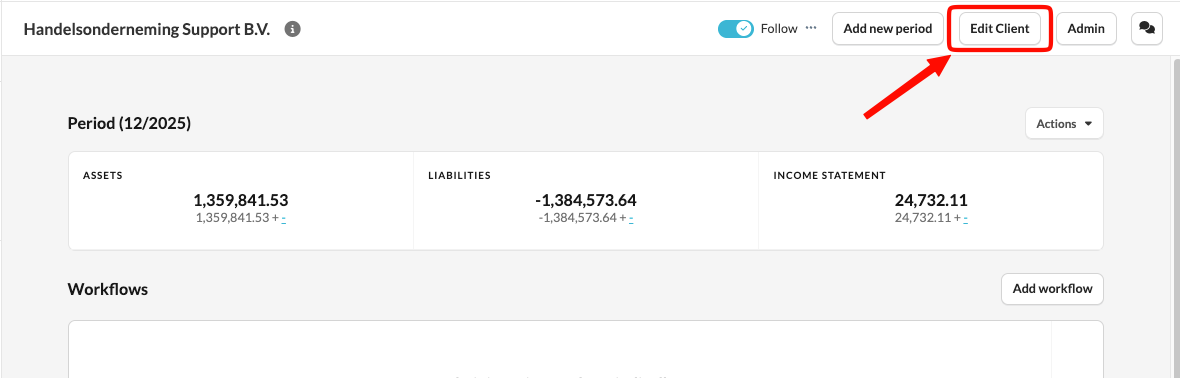
- Go to Edit Client.
- Click 'Periods'.
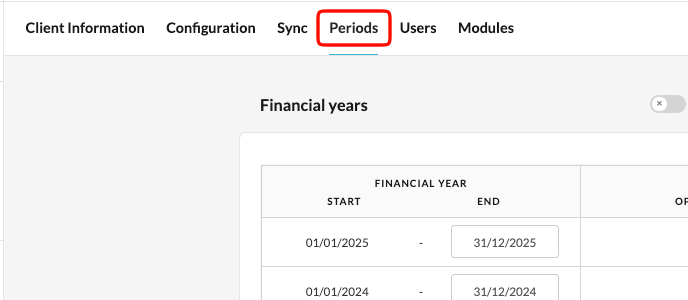
- Example: Set the first period to 06/06/2023 – 07/06/2023 (it is important that this prior period contains only one day).
- Set the 2nd period to: 08/06/2023 – 31/06/2023
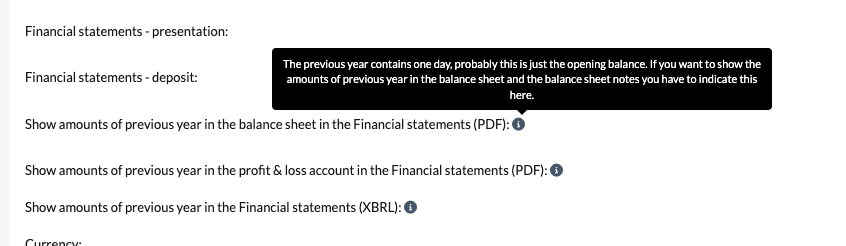
- Additional questions will appear in the 'General settings – Annual Accounts' template:
This way, you will have 2023 twice in your file. The first one can be used for the opening balance.