
| User Roles |  Admin Admin |  Staff contributor Staff contributor | External contributor | Pulse user |
Single Sign-On (SSO) lets you access multiple systems with just one set of credentials. This article explains how it works and what to expect when your firm uses it.
Table of contents
What is SSO?
Single Sign-On (SSO) is a technology that makes it easier to sign in to different systems using just one set of credentials, such as your work email and password. With SSO, you only need to sign in once, and you can then access all the platforms your firm has linked to SSO without entering your password again.
How does SSO work?
Your firm provides you with a dedicated link in the format [subdomain].getsilverfin.com, where you sign in with your usual credentials. After that, SSO signs you in automatically across all connected applications, saving you time and effort.
Why use SSO?
With SSO, you only need one password instead of many. Your firm can also add extra security measures, such as multi-factor authentication, in one central place, which makes it easier to stay secure.
What if your firm enforces SSO?
In some cases, your firm may enforce SSO, which means you must sign in this way. If you try to sign in with a username and password, you will see a message guiding you to use SSO instead.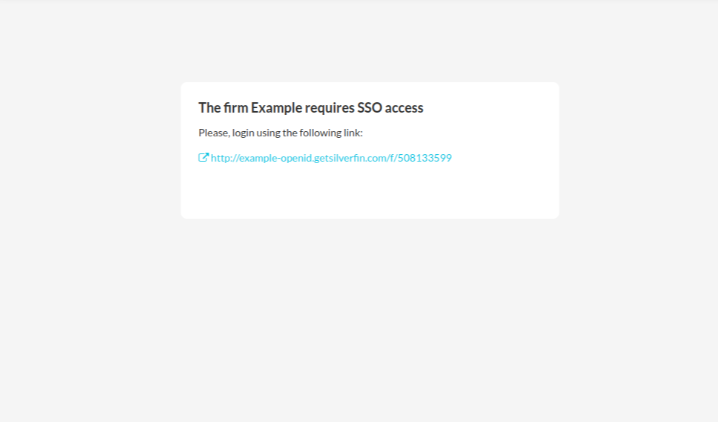
For any help with SSO, reach out to your admin users or the Silverfin Support team.
You are required to sign in with SSO if your email address exists in the SSO of any firm in Silverfin.