
| User Roles |  Admin Admin |  Staff contributor Staff contributor | ✗External contributor | ✗Pulse user |
Removing all data from a specific period is quick and straightforward. This article explains how to remove a period from a client file.
How do I remove a period?
Follow the steps below:
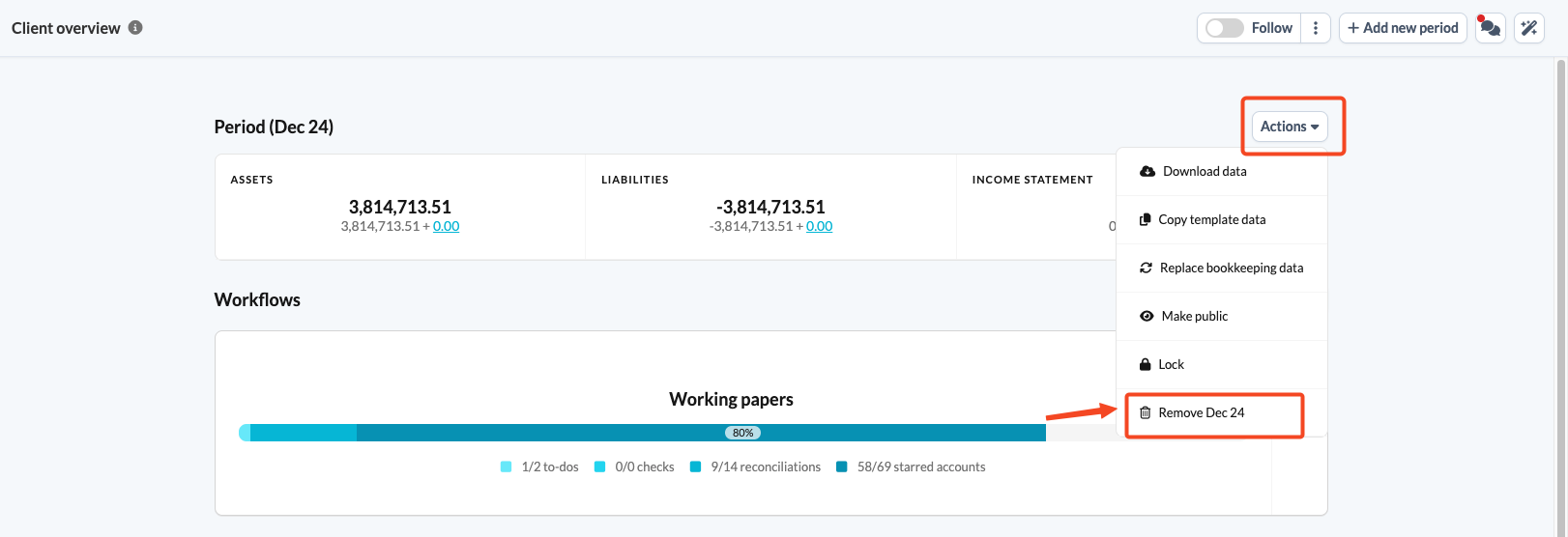
- In the Client Overview, click the Actions button.
- Select Remove, followed by the date of the period you want to remove.
- A warning appears: "Are you sure you want to delete all data for [e.g., Dec 24]: the uploaded data, all adjustments, and details? Only proceed if you're 100% sure you no longer need this data."
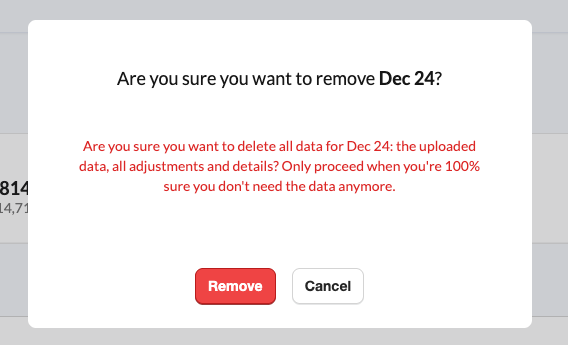
- Click Remove to confirm, or Cancel to keep the data.
If you remove a period by mistake, please contact Silverfin Support for assistance.