
| User Roles |  Admin Admin |  Staff contributor Staff contributor |  External contributor External contributor | ✗ Pulse user |
This article explains how to correctly fill in the 'Company information' template in the working papers. This template contains all the master data of the client: administrative, legal and contact information.
Table of contents
- What information do you fill in under the company information?
- What should you pay attention to when filling in the company details?
What information do you fill in under the company information?
The template covers several types of information, such as:
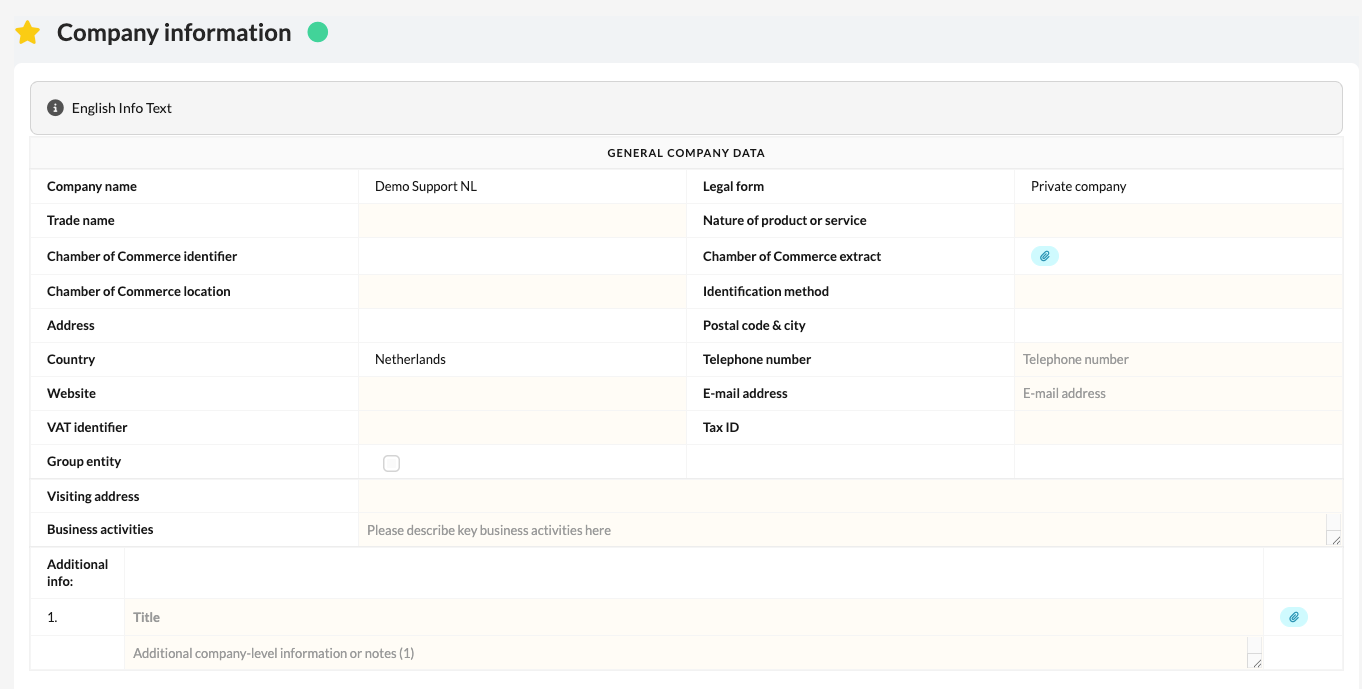
General details
- Address details
- VAT, tax and Chamber of Commerce numbers
- Legal form
- Description of activities
People and stakeholders
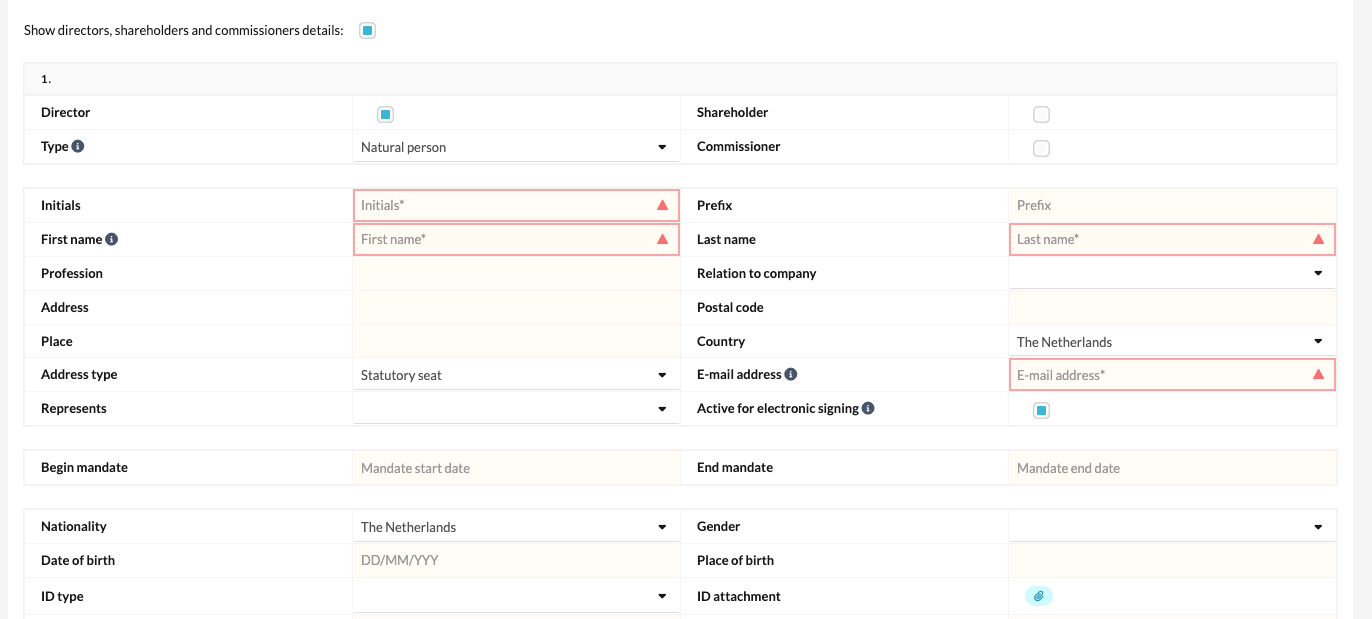
- Directors and owners
- Shareholders
- Supervisory board members
- Representatives of companies with an interest in this company
Additional details
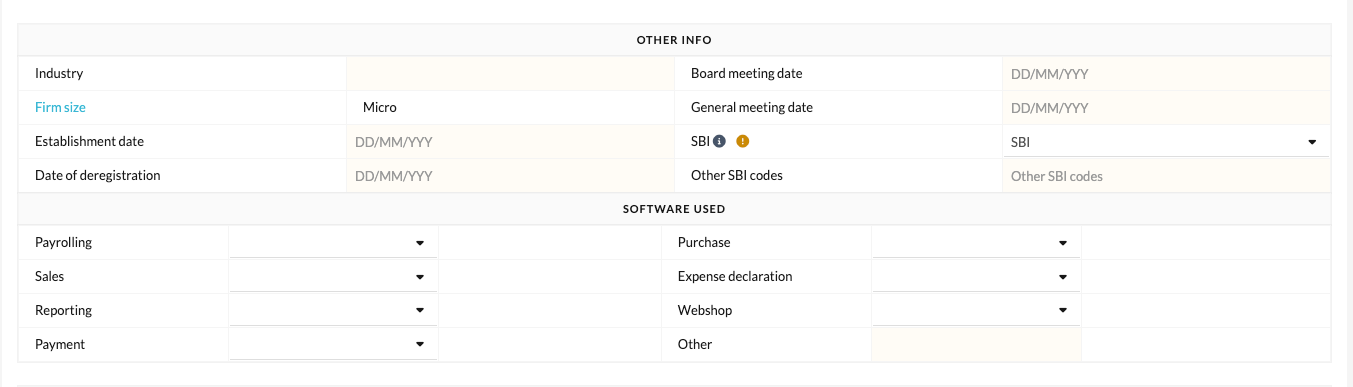
- Software systems used
- SBI code
What should you pay attention to when filling in the company details?
- When the client is a natural person or a partnership (such as a sole trader (EZ) or general partnership (VOF)), make sure to fill in all owners or partners completely and correctly.
- The names of the partners are automatically displayed in the balance sheet and notes of the financial statements.
- Use the 'Partner sequence number in equity' field to determine the correct order of partners.
Please note: this field only appears when the legal form is set to sole trader (EZ) or general partnership (VOF).