
| User Roles |  Admin Admin |  Staff contributor Staff contributor |  External contributor External contributor | ✗ Pulse user |
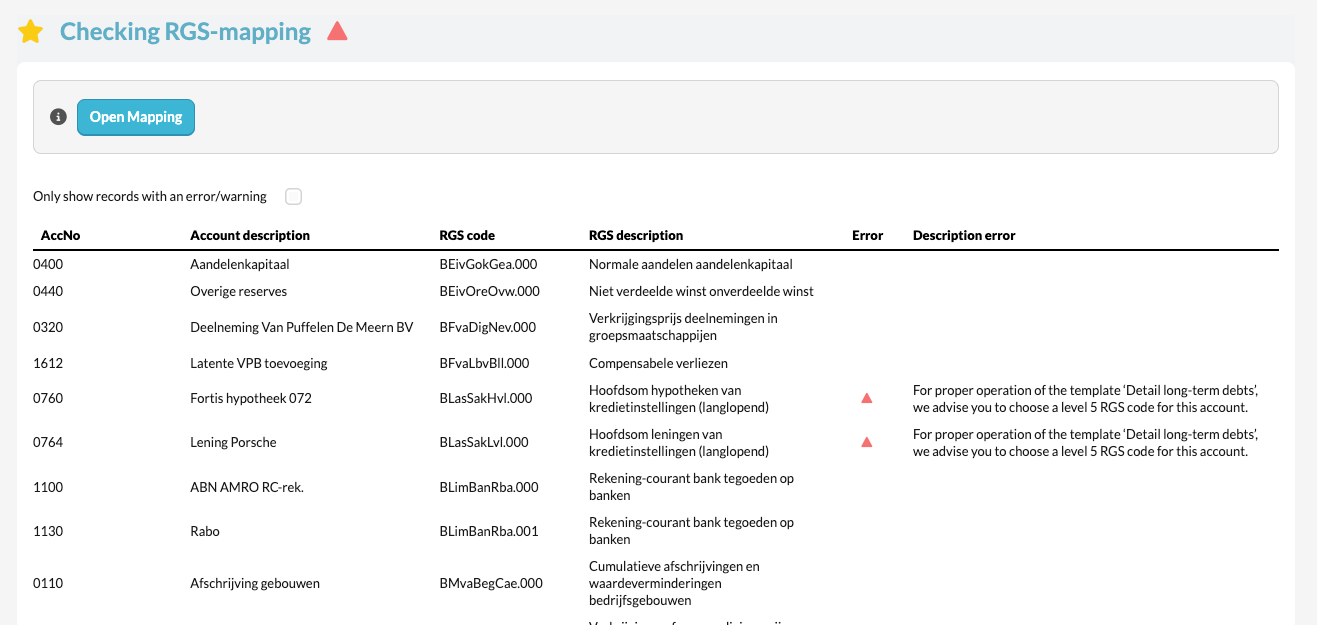
This article explains how to use the 'Checking RGS-mapping' template within the working papers. This template helps to verify whether all RGS codes have been correctly assigned to the general ledger accounts.
Table of contents
- What does the 'Checking RGS-mapping' template do?
- Why is checking the RGS mapping important?
- What should you pay attention to when checking the RGS mapping?
What does the 'Checking RGS-mapping' template do?
- The 'Checking RGS-mapping' template compares the assigned RGS codes with the official RGS structure. Silverfin generally suggests the correct codes automatically, but these can be manually adjusted or overridden if needed.
- In many cases, the RGS codes are already filled in within the source application (such as Exact Online). These are then synchronised to Silverfin, so that the mapping is automatically adopted.
Why is checking the RGS mapping important?
A correct RGS mapping ensures:
- Consistent and reliable reporting in accordance with the Dutch standard.
- Correct alignment with source systems (such as Exact Online, Twinfield or Yuki).
- Less corrective work during the preparation of the financial statements and tax reports.
What should you pay attention to when checking the RGS mapping?
- Verify that each general ledger account number contains the correct RGS code.
- Ensure that the correct levels of the RGS code are used (e.g. RGS level 5 for detail levels).
- Silverfin automatically checks for specific requirements within certain sections of the RGS table.
- If an incorrect code is found that has already been entered in the source application, always correct it in the source. → After re-synchronising, the corrected data will automatically be adopted in Silverfin.
- Review the error messages in this template and take the appropriate actions to correct the mapping.
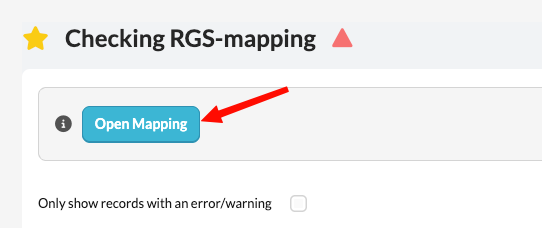
Use this check template regularly, especially after importing or synchronising data, to ensure that all RGS codes remain up-to-date and consistent.