
| User Roles |  Admin Admin |  Staff contributor Staff contributor | ✗ External contributor | ✗ Pulse user |
This article explains how to use the 'Inventory check' template within the working papers.
The template provides an overview of all accounts linked to inventory and helps you check and explain the book inventory.
Table of contents
What does the 'Inventory check' template do?
- The template automatically displays all general ledger accounts related to inventory positions, such as raw materials, merchandise or finished goods.
- This gives you a single overview of the value of the inventory as recorded in the books.
- When there is actual inventory, an additional section automatically appears where you can carry out the manual check of the inventory.
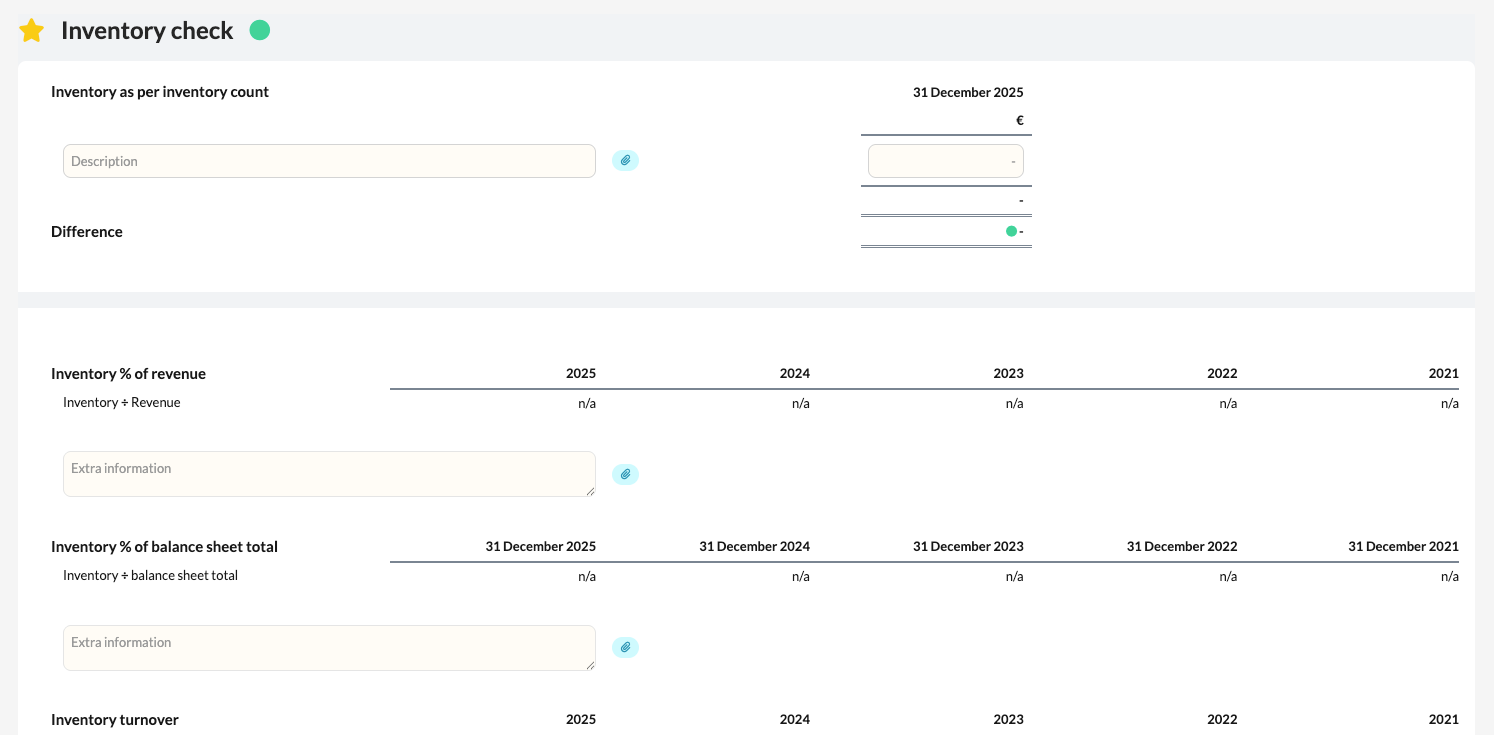
How do you carry out the inventory check?
- In the additional section, check the physical inventory against the book inventory.
- If there is a difference, explain it in the field for explanations or attach a document as evidence (e.g. stocktake list or inventory report).
- Confirm the check once the inventory has been reconciled and explained.