
| User Roles |  Admin | Staff contributor | External contributor | Pulse user |
If you work with more than one firm in Silverfin, you can switch between them directly in your session, without logging out. This article explains when switching is possible and how to do it.
Table of contents
When can I switch between firms?
- Same email address across firms: you can switch between your firms without logging out.
- Different email addresses: switching is not possible. You will need to log out and sign in again with the other email address.
How do I switch to another firm?
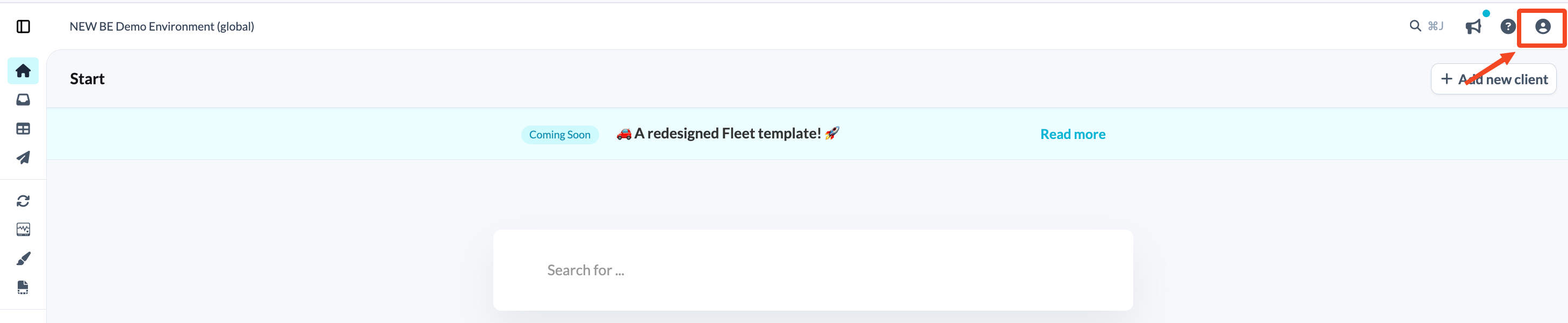
- Click the profile icon in the top-right corner of your firm overview screen.
- In the menu, click the firm name, just below your name and email address.
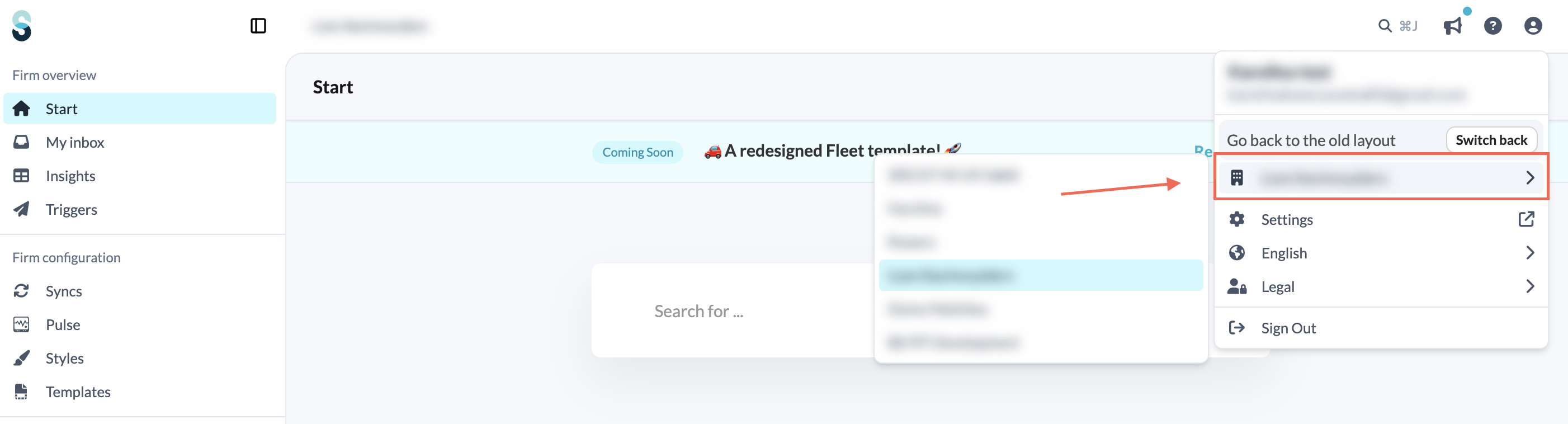
- Select the firm you want to switch to from the list.
- You are then redirected to the selected firm.