
| User Roles |  Admin Admin |  Staff contributor Staff contributor | ✗ External contributor | ✗ Pulse user |
This article explains how to use the 'Share capital register' template within the client file.
This template provides a complete overview of the shareholders and their share positions, and is automatically populated based on the data from the 'Share capital reconciliation' template.
Table of contents
What does the 'Share capital register' template do?
The template builds on the information from the 'Share capital reconciliation' template and displays per shareholder:
- the number and type of shares;
- the nominal value per share;
- the total value of the holding;
- and any movements during the financial year (e.g. transfers or new issues).
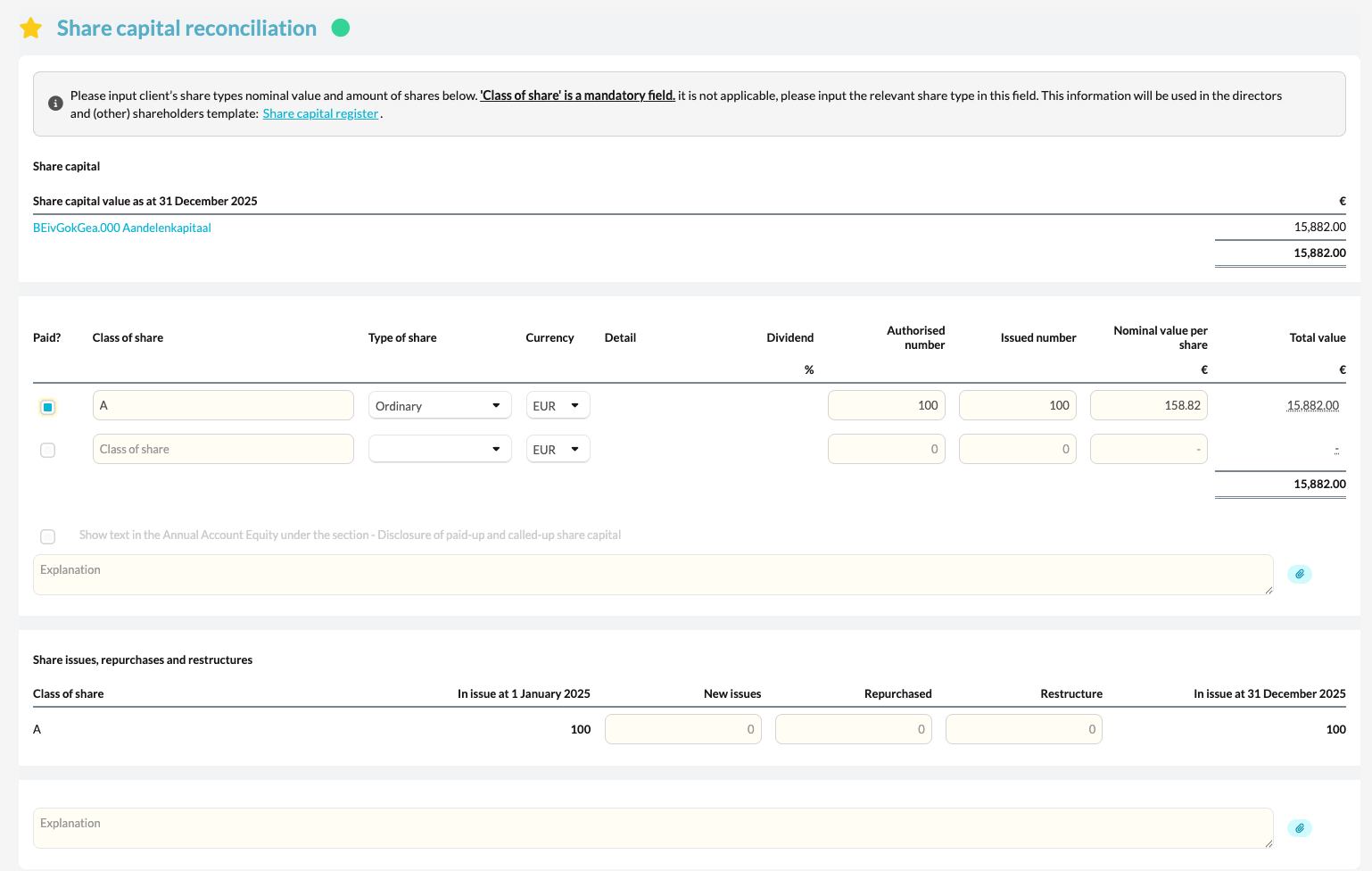
In this way, the template forms a clear and up-to-date register of all shareholders within the company.
How do you use the template in practice?
- Check that the data has been correctly carried over from the 'Share capital reconciliation' template.
- Use the links in the template to navigate directly to the relevant sections.
This allows you to quickly consult additional information or make any corrections. - After making changes, check that the updates are automatically reflected in the share register.