
| User Roles |  Admin Admin |  Staff contributor Staff contributor |  External contributor External contributor | ✗ Pulse User |
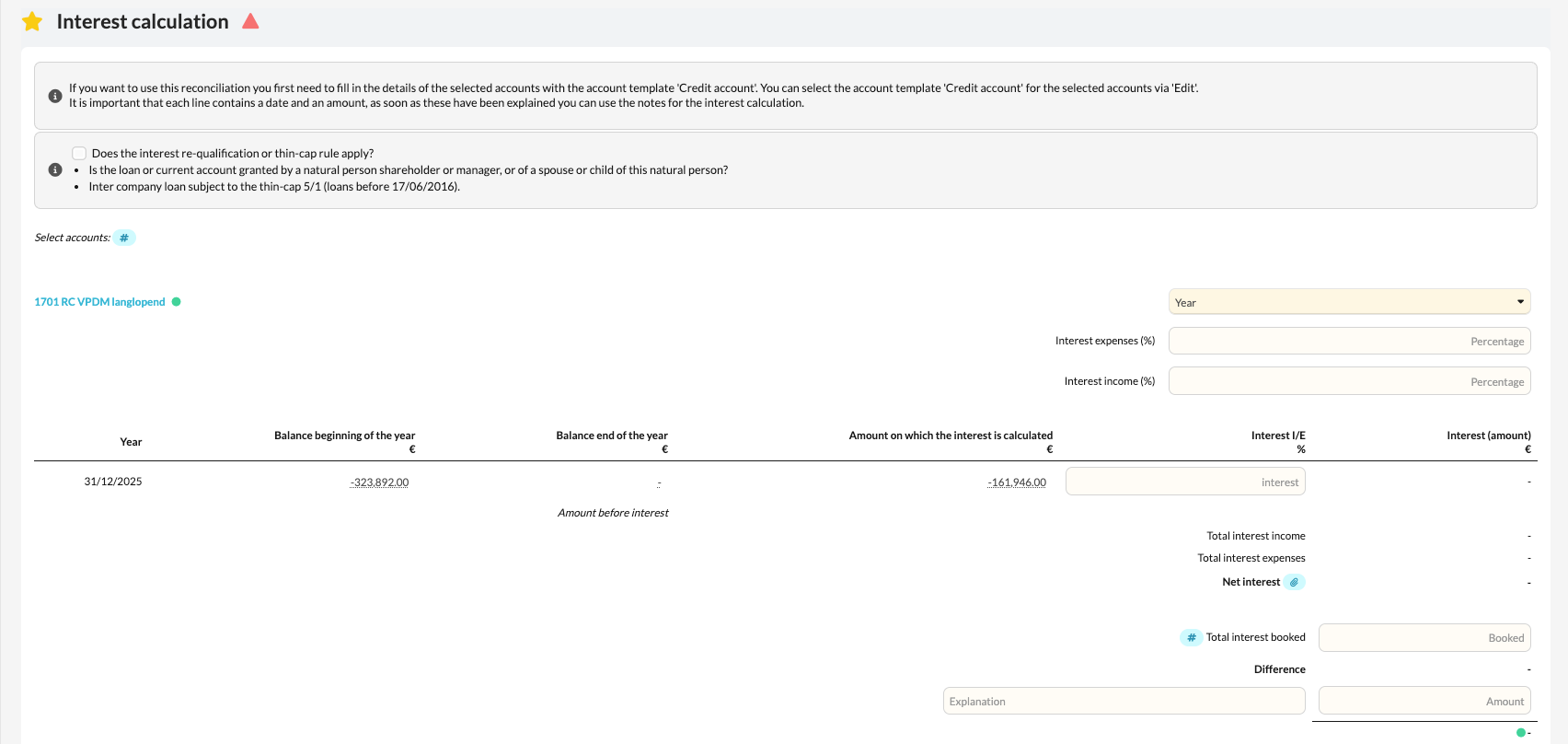
This article explains how to use the 'Interest Calculation' template within the client file.
The template automatically calculates the interest owed or receivable based on the transactions on current account relationships.
Table of contents
What does the template do?
- The Interest Calculation template automatically collects all data entered via the 'Current Account' account template for the associated general ledger accounts.
- Based on this data, the system calculates the interest owed or receivable, depending on the balance and the interest rates entered.
- This gives you a complete overview of the interest items arising from mutual current account relationships.
How to get started
- Open the Interest calculation template in the file.
- Verify that all relevant accounts are correctly linked to the 'Credit account' account template.
- Import or verify the transactions on these accounts.
- Check the calculated interest — both owed and receivable — for accuracy.