
| User Roles | ✗ Personeel | ✗ Externe medewerker | ✗ Pulse gebruiker |
This guide explains how users with admin rights can activate Fintrax packages in Silverfin.
Accessing Fintrax Packages
Fintrax packages are available in the Silverfin Marketplace, which can only be accessed by users with admin rights. To find it:
- Navigate to the Templates section at the firm level.
- Select Marketplace.
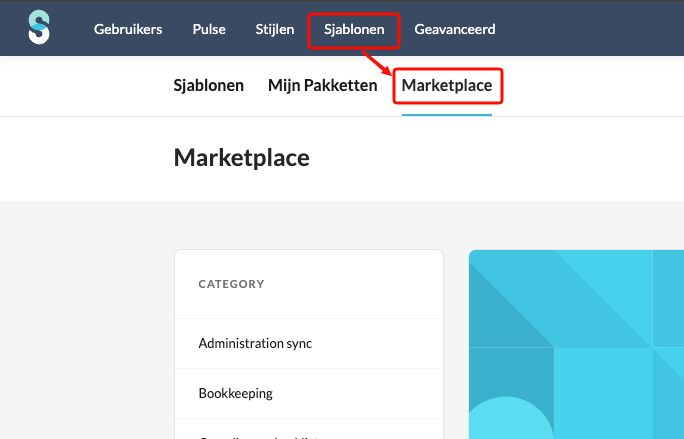
- Inside the Marketplace, you can locate Fintrax packages either by browsing or by pressing Ctrl + F and typing Fintrax.
Activating a Package
- Click "Read more" on the package you want to activate.
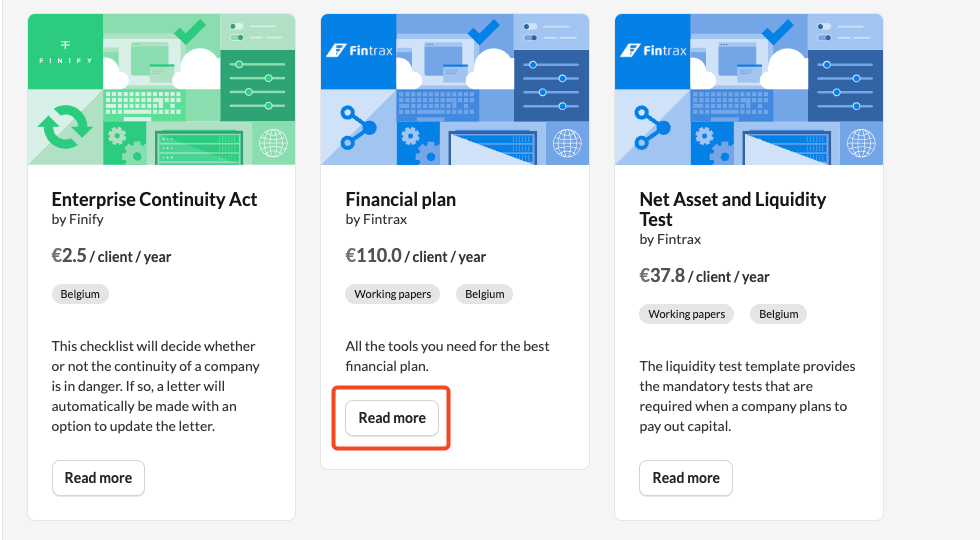
- Once in the package, click the Activate button.
Note: If the package is already active, you will have the option to Deactivate it.
Activating a Fintrax Workflow in a client file
Once the desired Fintrax package is activated, you can add its workflow to a specific file:
- Go to the client file where you want the workflow activated.
- Click Add workflow.
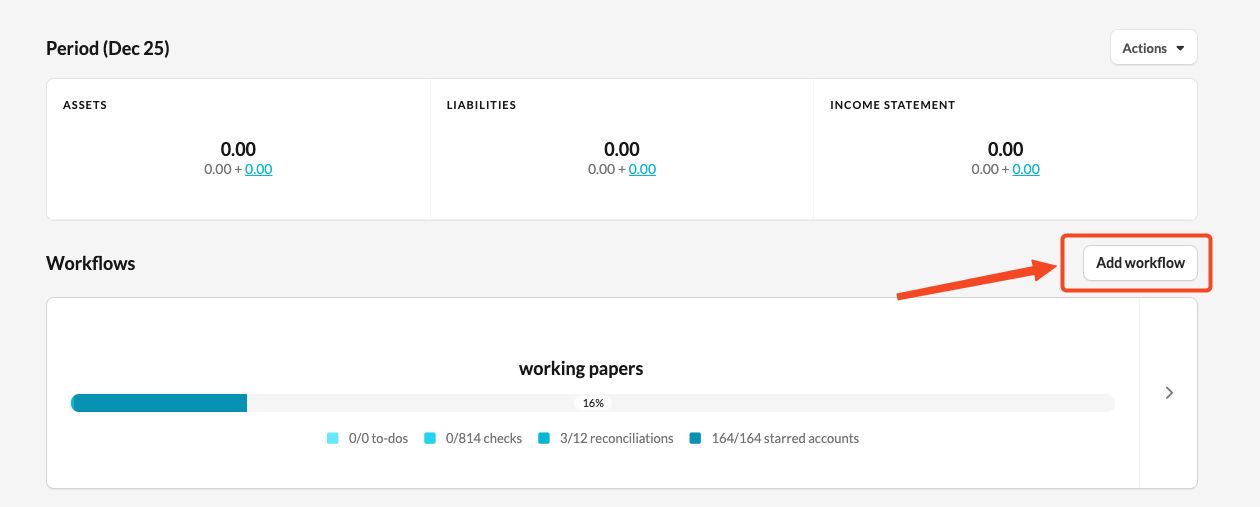
- Select the workflow you wish to add.
Good to know:
Please note that minimum license fees may apply. For more info, contact your customer success manager or https://fintrax.io/
Please contact support@fintrax.io for all comments and fixes.