
| User Roles |  Admin Admin |  Staff contributor Staff contributor | ✗External Contributor | ✗Pulse user |
This article explains how to download Annual accounts or file them directly through a connected portal.
Filing the Annual Accounts
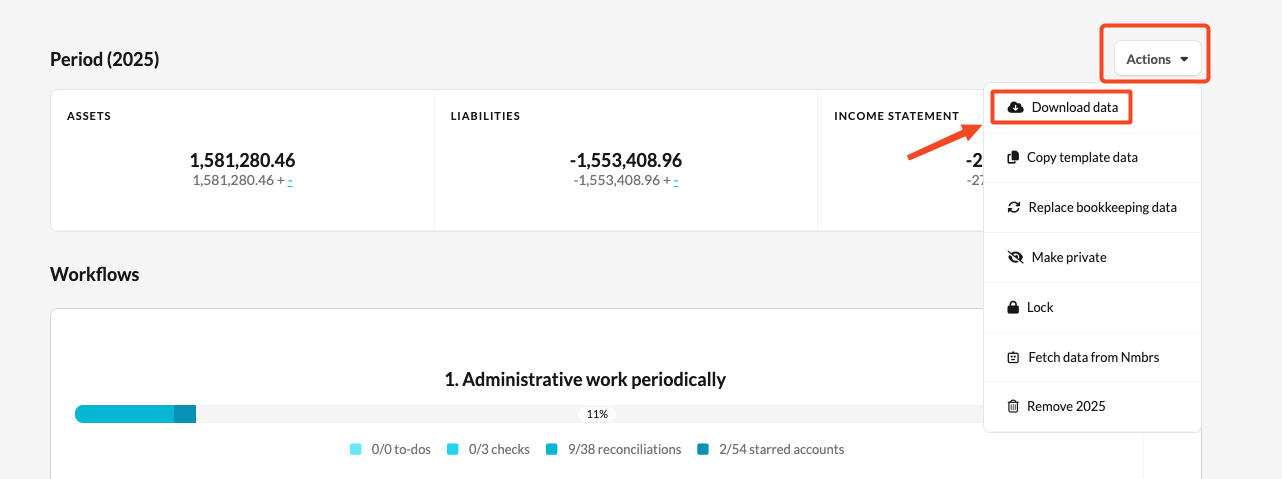
- Go to the client file overview screen.
- Click Actions → Download data.
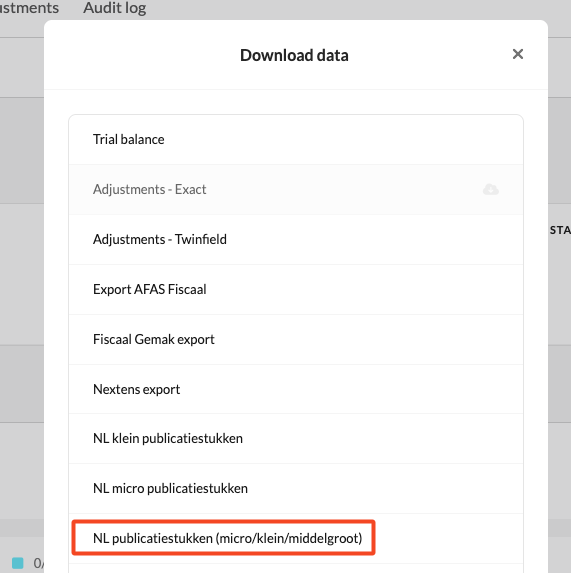
- Select NL public filings (micro/small/medium-sized).
- Here, you can either download the XBRL file to upload it to your filing portal, or send it directly to a filing portal if a connection is active (for example, Hix, CreAim, Silverfin signing platform, etc.).
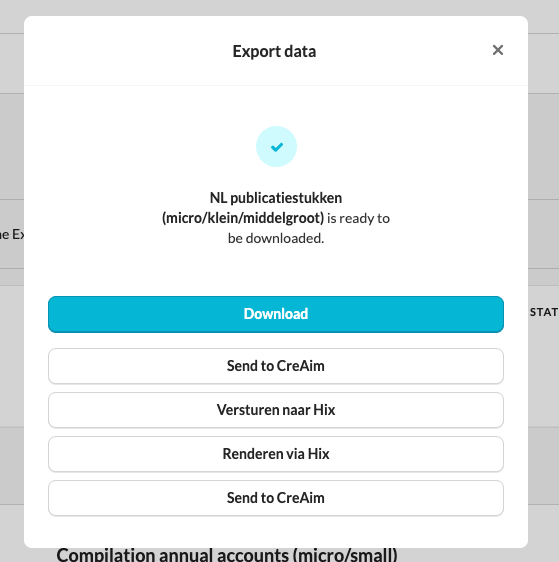
- If an integration is active, you will be redirected to the page of your integration (such as PKI, CreAim, HIX, etc.).
- Log in to your signing platform and follow the steps within that environment.