
| User Roles |  Admin Admin | ✗ Staff contributor | ✗External contributor | ✗ Pulse user |
The Silverfin Marketplace includes ready-made mapping lists prepared and maintained by Silverfin. This article explains how to find and activate the correct mapping list package for your client's market.
Table of contents
Find the right package
Silverfin mapping lists are bundled within Marketplace packages. The package you need depends on your client's country.
| Market | Package name |
| UK clients | UK Working Papers |
| Belgian clients | Standard Working Papers (Belgium) |
| Netherlands clients | NL RGS |
Activate the mapping list
Only Admin users can activate mapping lists included in a Marketplace package.
- Go to the Marketplace at firm level.
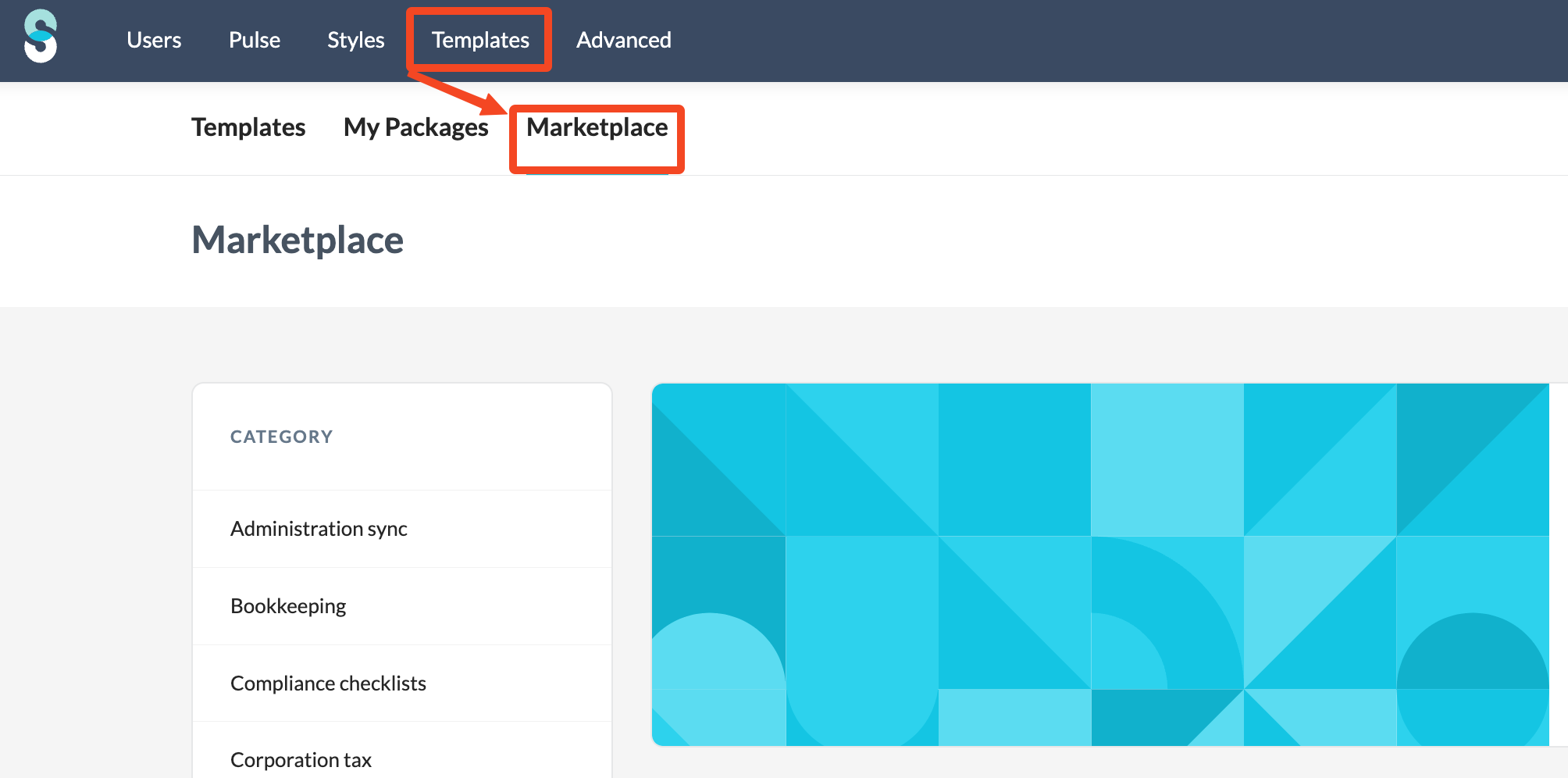
- Find the package that corresponds to your client's country (see table above).

- Open the package and activate the mapping list from within it.
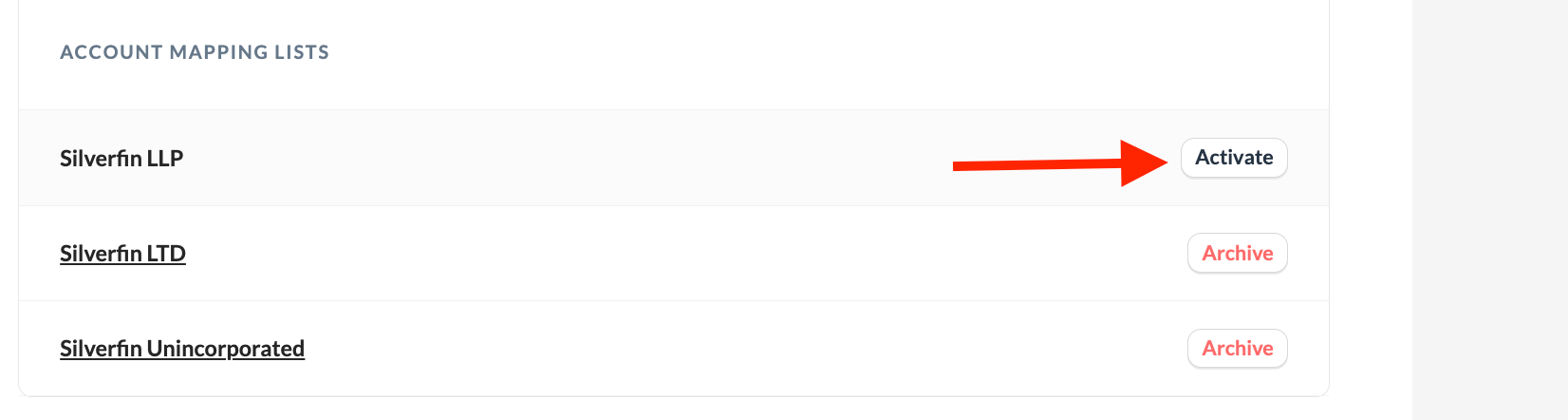
Once activated, the mapping list becomes available in the Mapping lists overview under the Templates tab.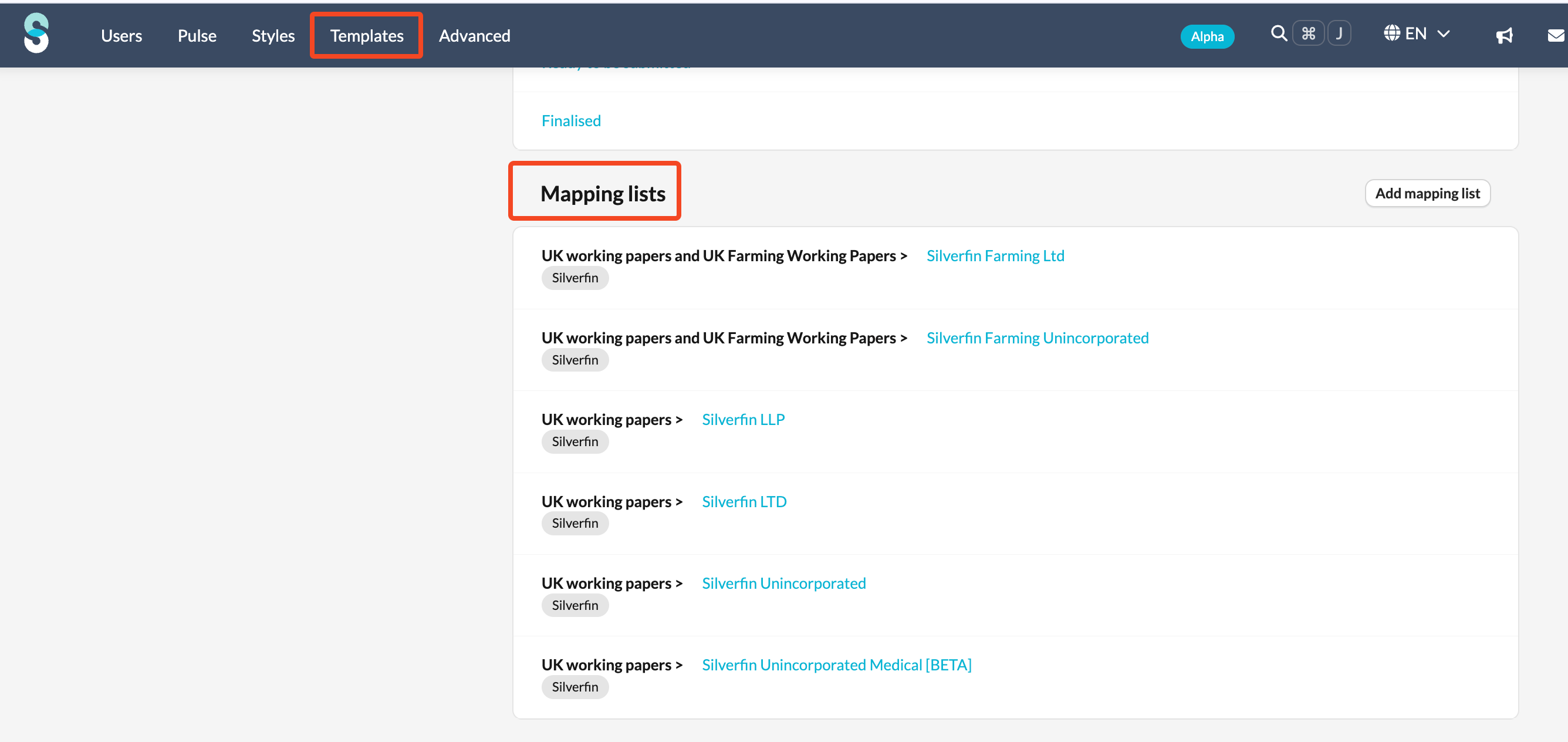
Mapping lists provided by Silverfin cannot be edited. They are maintained by Silverfin and updated automatically to remain compliant with regulations.