
| User Roles |  Admin Admin |  Staff contributor Staff contributor | External contributor | ✗Pulse user |
To-dos are an important communication tool in Silverfin, similar to notes. The difference is that a To-do requires an action to be completed before you can finalise the workflow, and To-dos count towards the 100% completion bar of the workflow. This article summarises the key information and gives clear guidelines for using To-dos in Silverfin.
Table of contents
Key information
- What is a To-do?
- A To-do is an action item that someone needs to complete before the workflow can be finalised.
- How to find a To-do?
- You can find To-dos directly in the workflow.
- How to check off a To-do?
- Mark the To-do as completed once you have carried out the action.
Detailed guidelines
How to find a To-do?
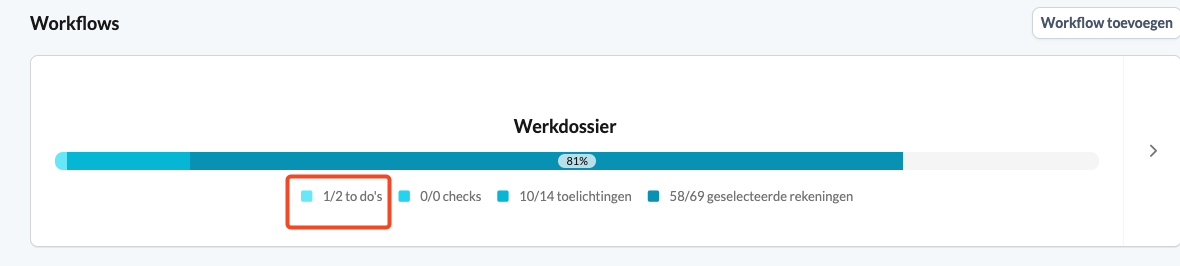
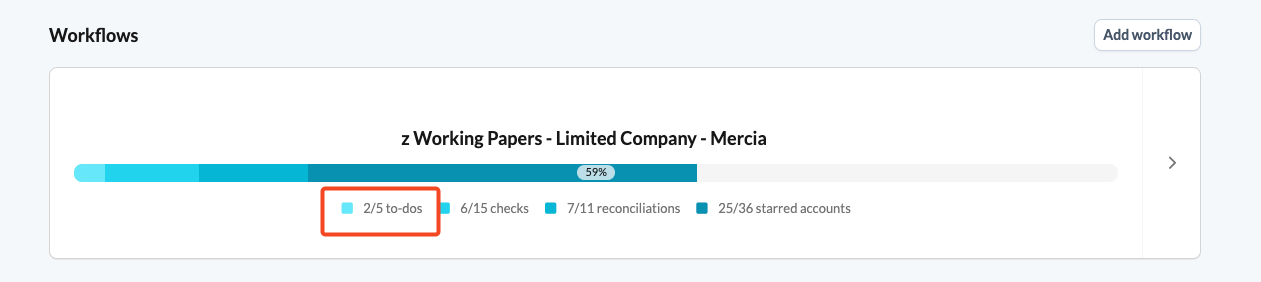
- File overview: here you can see the total number of To-dos and how many have been processed:
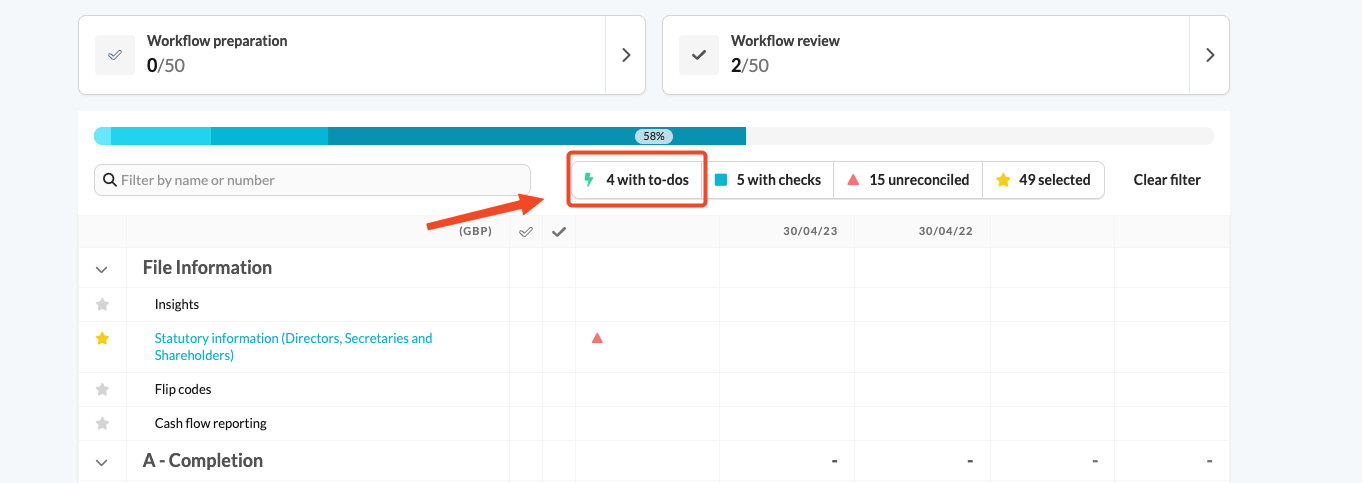
- Workflow working screen: filter on To-dos by clicking the lightning bolt:
How to check off a To-do?
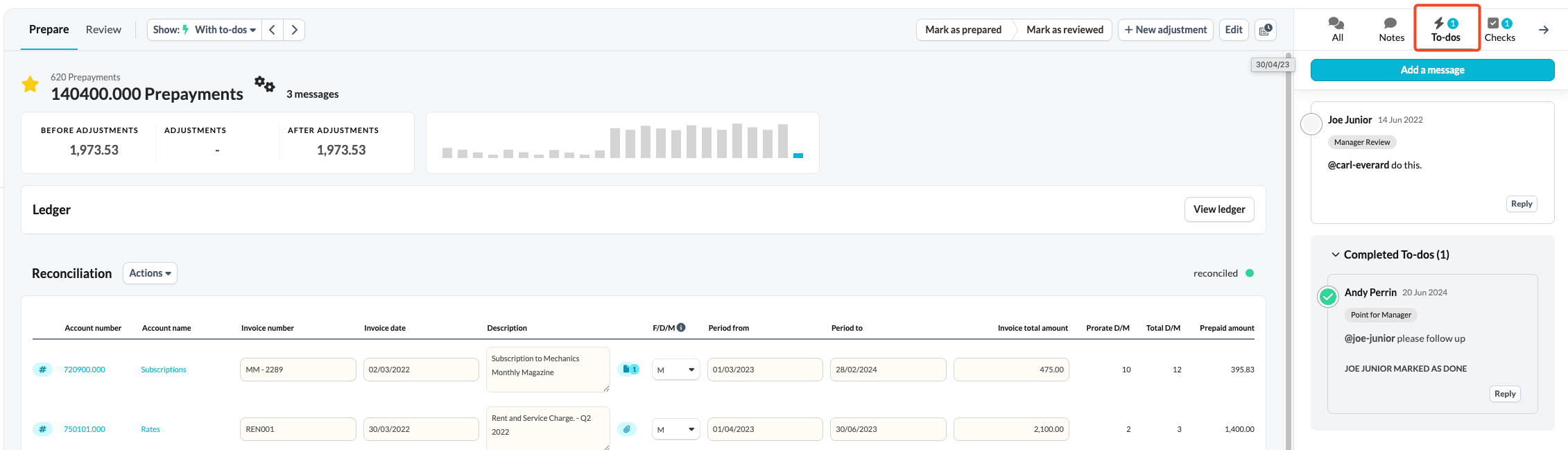
- Open the communication panel: go to the account or reconciliation and open the communication panel on the right side of the screen:
- Mark as completed: click the circle to mark the To-do as completed:
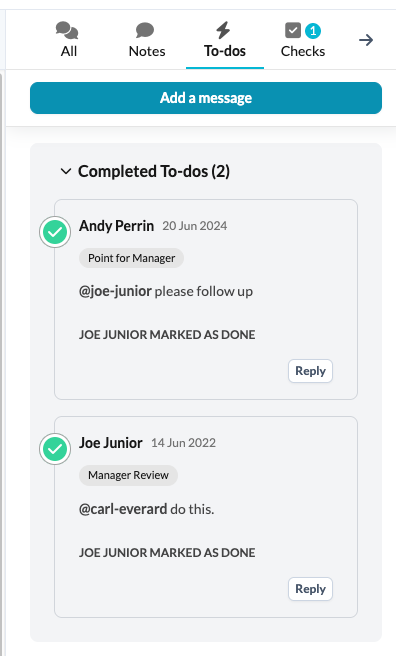
- View the progress bar: the percentage in the progress bar increases once the To-do is completed:
For a full overview of the communication features, including formatting tips for Notes and To-dos, see How can I communicate in Silverfin?. To control when a To-do appears, see How to manage visibility of Notes and To-dos?