
| User Roles |  Admin Admin |  Staff contributor Staff contributor | ✗External contributor | ✗Pulse user |
The 'Debtors schedule' account template is automatically assigned to the trade-debtor nominal codes (mapped range 1400, 140300, 1500, 150300).This article explains which nominal codes the template is assigned to, the two template types you can choose from, and how to complete the schedule.
Table of contents
Which accounts use this template
Note: Silverfin does not pull the aged debtors listing in from the underlying bookkeeping system into this template. If you want to analyse aged debtor information, use the Aged debtors/creditors account template - Which also has the ability to pull in the underlying bookkeeping data from Xero.
Choosing the template type
- Select the Template type: Customer or Invoice. The type you choose determines which columns are available for input.
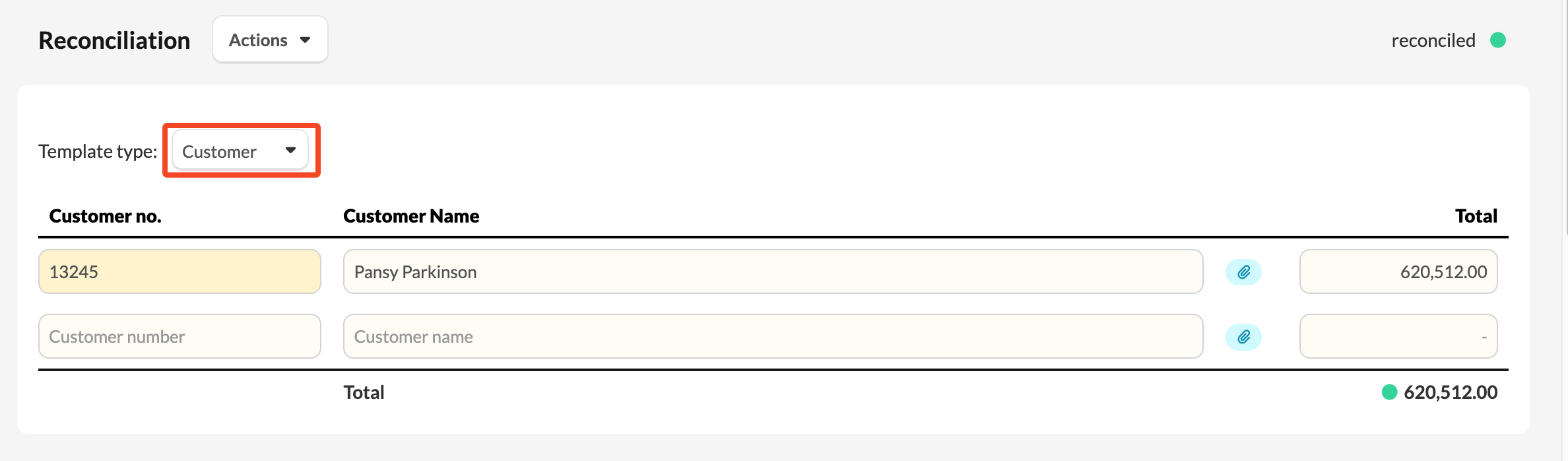
Customer view
The Customer view contains the following columns:
- Customer no.
- Customer name
- An attachment column
- Total
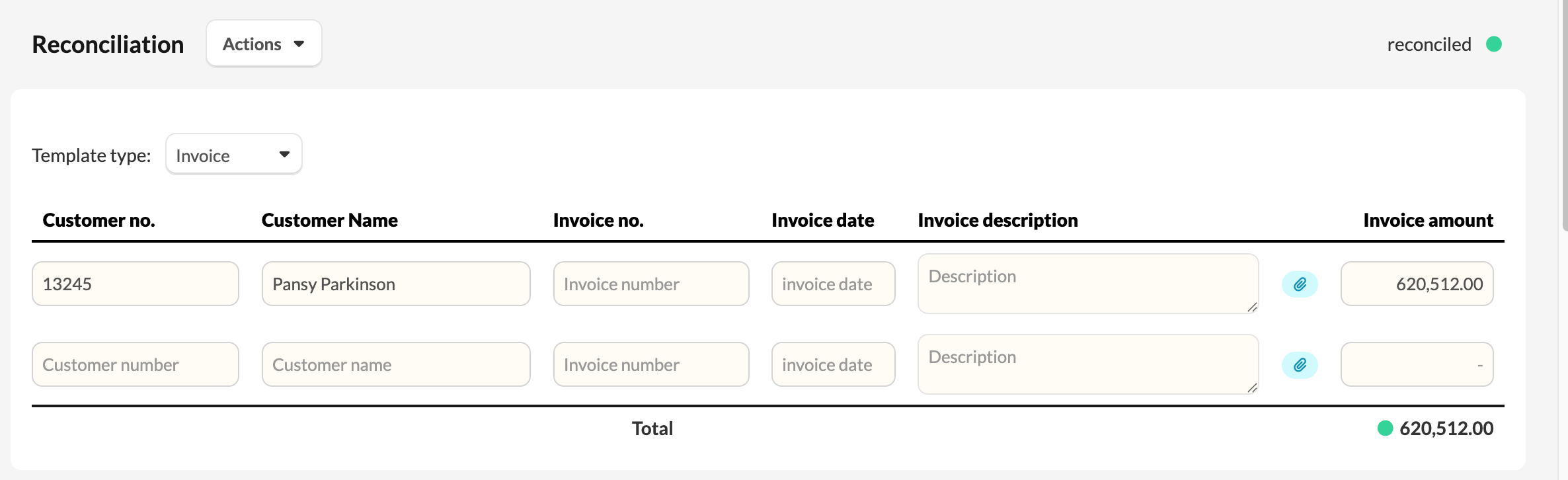
Invoice view
The Invoice view contains the following columns:
- Customer no.
- Customer name
- Invoice no.
- Invoice date
- Invoice description
- An attachment column
- Invoice amount
Completing the schedule
You can complete the working paper manually or import supporting schedules — see How to import reconciliation data to explain an account? or guidance on importing reconciliation data from Excel.
The template shows a reconciliation indicator comparing the schedule total to the account value, with an Explanation of differences section if the two do not agree.