| User Roles |  Admin Admin | ✗Staff contributor | ✗External contributor | ✗Pulse user |
This article explains how an admin user can resend a password email to a confirmed user in Silverfin, from the user settings at firm level. It is relevant for admin users who need to help a colleague who can no longer sign in.
Table of contents
When can I resend a password email?
- You can only send a password email to users who are already confirmed.
- The existing password stays active until the user clicks the link in the email, so there is no risk of an accidental password reset.
How do I resend a password email?
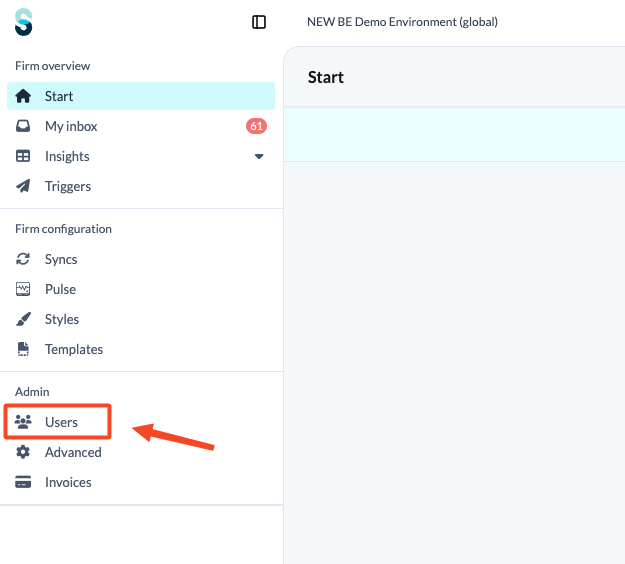
- Go to the firm's landing page and open the 'Users' tab to see the list of user profiles linked to your firm.
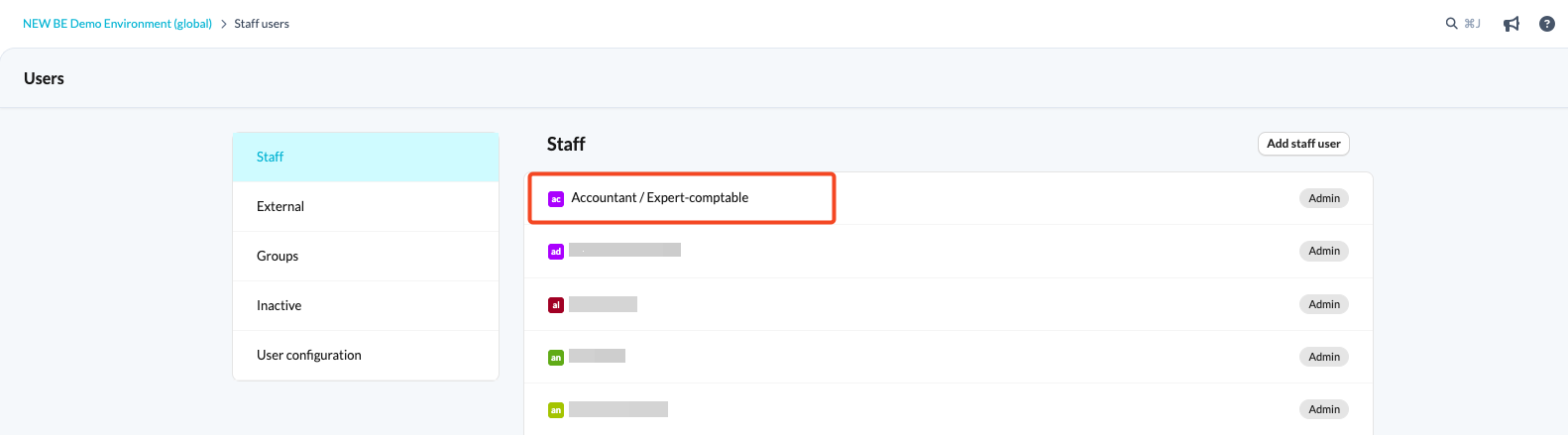
- Find the profile of the user who needs a new password.
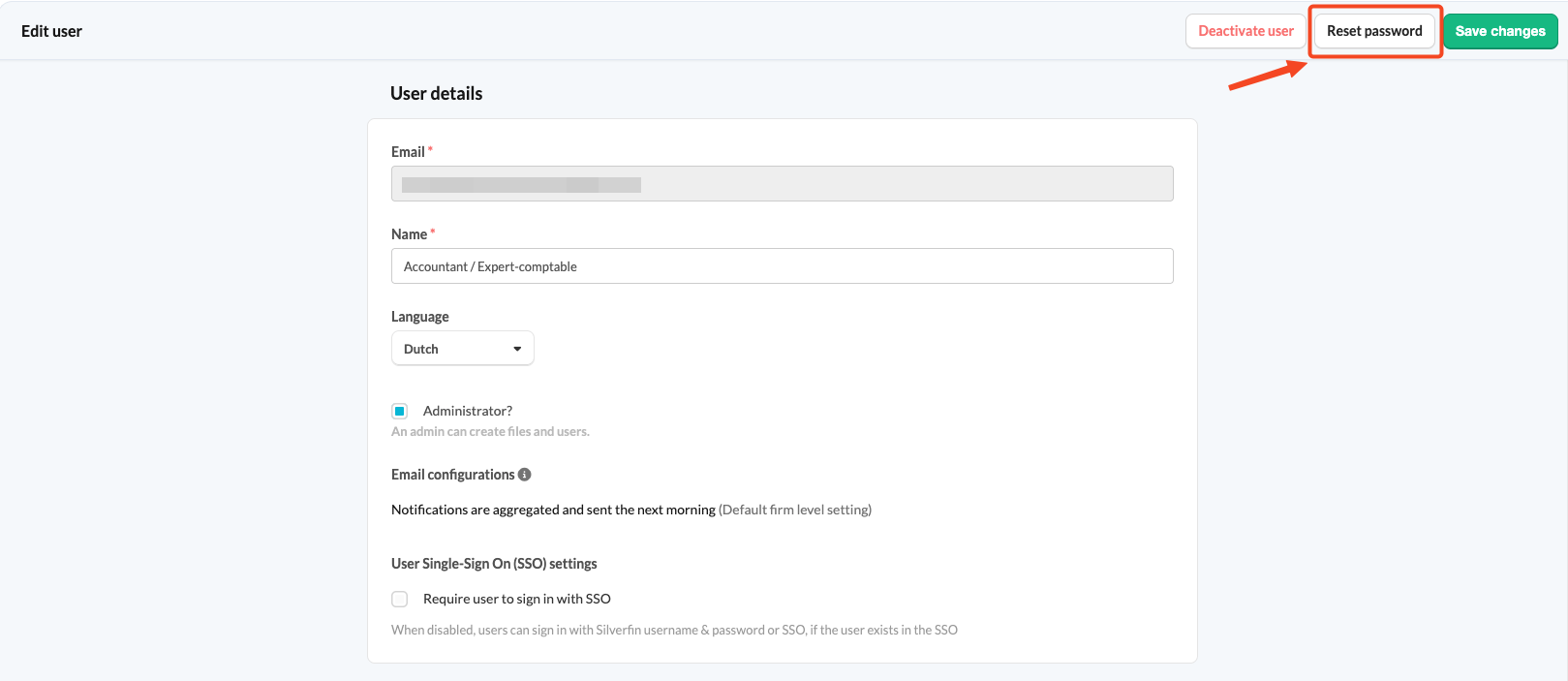
- Click the 'Reset password' button. The user receives an email that lets them set a new password.