
| User Roles |  Admin Admin | ✗Staff contributor | ✗External contributor | ✗Pulse user |
When a colleague leaves the company, the communication they created stays in the system. An admin user can remove it, once that colleague's user profile has been made inactive.
Table of contents
How do I deactivate the user?
Only admin users can do this.
- Go to the user details at firm level and select the correct user.
- Click Make inactive to make the user inactive.
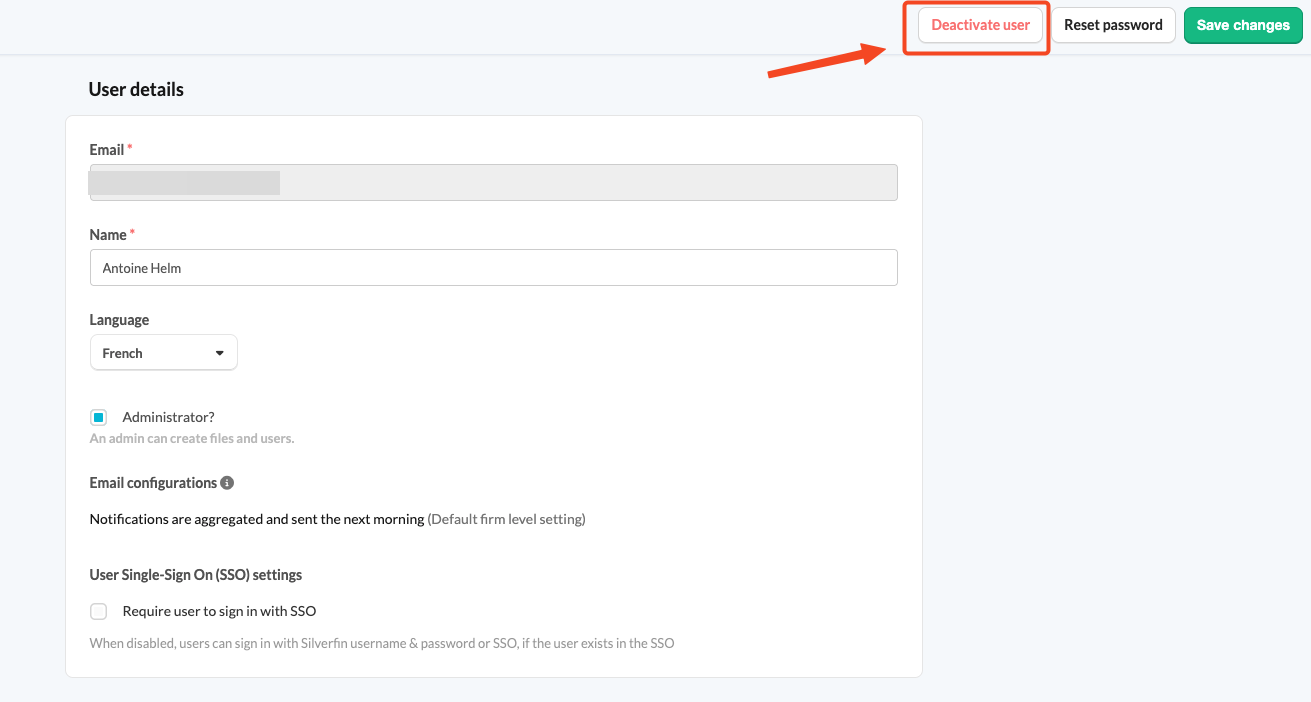
For more detail on this step, see How to deactivate or reactivate a user in Silverfin?
How do I remove the communication?
Once the user is deactivated, any admin user can remove the communication that user added.
- Go to the relevant file.
- Delete the communication added by the inactive user.