
| User Roles |  Admin |  Staff contributor | ✗External contributor | ✗Pulse user |
This article explains the most common synchronisation errors between Silverfin and Yuki, what causes them and how to resolve them.
Table of contents
Credentials-related errors
Error:
We can't find this file's sync reference in Yuki. Could you check if the sync reference is correct? If so, please also check that the credentials used to set up this sync have access to this file in Yuki.
Explanation:
This error indicates one of two issues:
- The credentials used to set up the synchronisation have either changed or never had access to the specified file.
- The sync reference has changed, and Silverfin can no longer locate it.
What can you do:
- Check that the sync reference is correct.
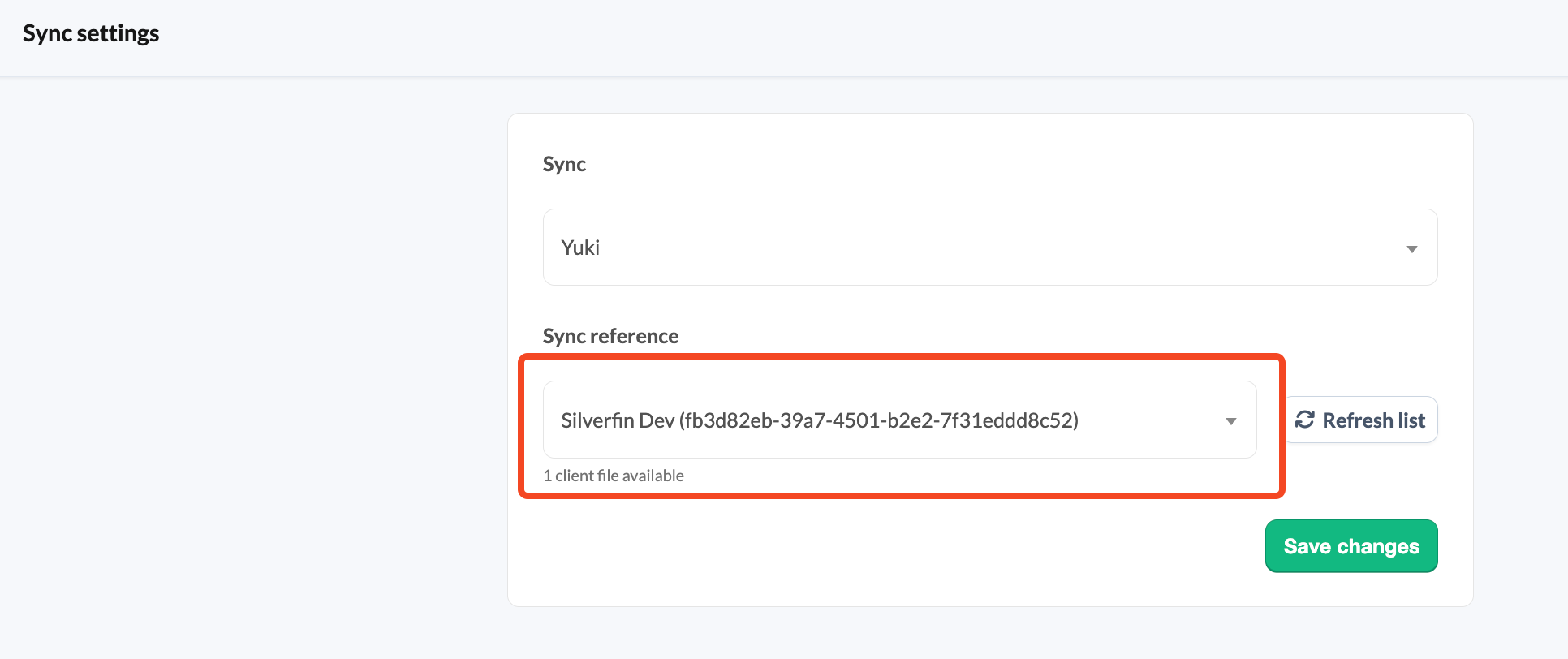
- Make sure the credentials used for the synchronisation have the permissions needed to access the file in Yuki.
- Only an admin user at firm level can check the credentials.
Error:
The credentials used by this sync no longer allow us access to the data in Yuki. Please create a new Yuki sync with valid credentials and then transfer this file there.
Explanation:
This error occurs when the credentials used to set up the synchronisation, specifically the API key, have changed or are no longer valid.
What can you do:
- Double-check the API key used when the synchronisation was set up.
- Take one of the following actions:
- Replace the invalid API key with a valid one.
- Set up a new Yuki sync.
- Only an admin user at firm level can perform either action.
Error:
We were unable to access your data in Yuki with credentials used by this sync. Please ensure that the user who set up this sync has full access to the file in Yuki.
Explanation:
This error indicates that the credentials used to establish the sync have most likely changed or are no longer valid.
What can you do:
- Check the credentials of the user who set up the sync.
- Take one of the following actions:
- Set up a new sync using valid credentials.
- Update the existing sync with the correct API key.
- Only an admin user at firm level can perform either action.
Error:
Yuki responded that you no longer have a valid contract with them. You can try to set up a new sync with credentials for an active Yuki account.
Explanation:
This error indicates that your contract with Yuki is no longer active. To resolve it, set up a new sync using credentials linked to an active Yuki account.
What can you do:
- Set up a new sync using credentials linked to an active Yuki account.
- Only an admin user at firm level can set up a new sync. If you are not an admin, ask your admin to set the sync up with valid credentials.
Other errors
Error:
Example: Yuki supplied date 5023-09-30 is invalid, it needs to be between 1930-01-01 and 2100-12-30
Explanation:
This error occurs when a transaction in Yuki has a date far in the future (for example, the year 5023). Such dates fall outside the allowed range and cannot be processed.
What can you do:
- Find the transaction in Yuki with the invalid date.
- Correct the date so that it falls within the valid range (1930-01-01 to 2100-12-30).
Error:
We temporarily lost connection with Yuki. Please try syncing again. If the error persists, please contact support.
Explanation:
This error indicates that we were unable to retrieve the data from Yuki. The issue can be temporary, but if resetting and resyncing do not resolve it, further investigation may be needed.
What can you do:
- Resync the file.
- If the issue persists:
- Contact Silverfin support to report the issue.
- If the matter is urgent, consider switching the file to manual mode while the issue is being resolved.
Error:
Account name missing for account %{account_number} on Yuki API. Please try syncing again. If the error persists, please contact Silverfin support.Explanation:
This error occurs when a required designation, such as the English name of an account, is missing in Yuki. Resyncing usually resolves the issue by updating the account information.
What can you do:
- Resync the file to see if the issue is resolved.
- Be careful when resyncing - avoid excessive attempts, as each one consumes API calls.
Error:
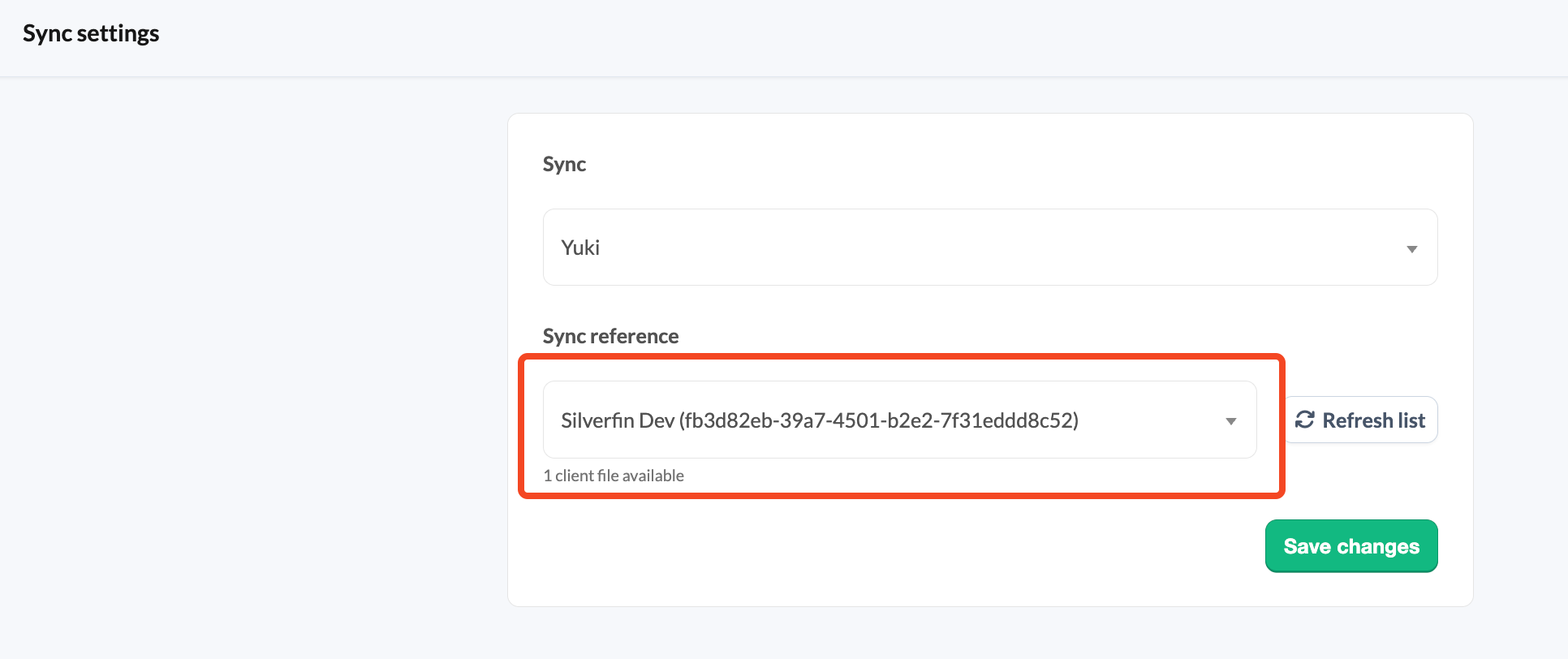
This administration ID is no longer active in Yuki. It is possible that the same file exists with a new Yuki ID. To check that, please reconnect the sync and see if this file appears on the list of sync references with a new administration ID.
Explanation:
The reference used in the client file is no longer valid. This can happen when the reference is now linked to a different Yuki entity.
What can you do:
- In the client file, check the list of sync references to see whether the file appears with a new administration ID.
- If the file appears with a new reference, update the sync accordingly.
Error:
Yuki connection timed out. This may be caused by large amounts of data in this file. If the error persists, please contact Silverfin support.
Explanation:
The client file contains so much data that our attempts to retrieve it from Yuki fail because the connection times out. Yuki does not respond within the expected time frame, most likely because of the size of the file.
What can you do:
- Resync the file to see if the issue is resolved.
- Be careful when resyncing - avoid excessive attempts, as each one consumes API calls.
- If the error persists, contact Silverfin support for further help.
Good to know
The values in Silverfin do not fully match the ones in Yuki
What can you do:
- In Yuki, go to the Proef en saldibalans page. This updates the values that are communicated through the API.
- In Silverfin, click the sync arrows.
- If the wrong values persist, contact Silverfin support for further help.