
| User Roles |  Admin Admin | ✗Staff contributor | ✗External contributor | ✗Pulse user |
This article explains the External Contributor role in Silverfin, including its purpose, access level, and permissions. It's relevant for accountants who want to give internal bookkeepers limited, indirect access to a client file.
Table of contents
- Why would I use the External Contributor role?
- What access does an External Contributor have?
- What can't an External Contributor do?
- What happens to exports created by an External Contributor?
- Who can I contact for more information?
Why would I use the External Contributor role?
- The External Contributor role is primarily intended for internal bookkeepers who need access to the client file to carry out necessary preparations.
- Instead of holding a direct Silverfin licence, the internal bookkeeper accesses Silverfin through the accountant, who acts as an intermediary.
How much does the External Contributor role cost?
- There is an additional fixed price per client file per year, regardless of the number of external users added to the file.
- For more details, contact your Customer Success Manager.
What access does an External Contributor have?
External Contributors have limited access to the client file. Their permissions are similar to those of internal users, but with specific restrictions.
What can't an External Contributor do?
External Contributors cannot:
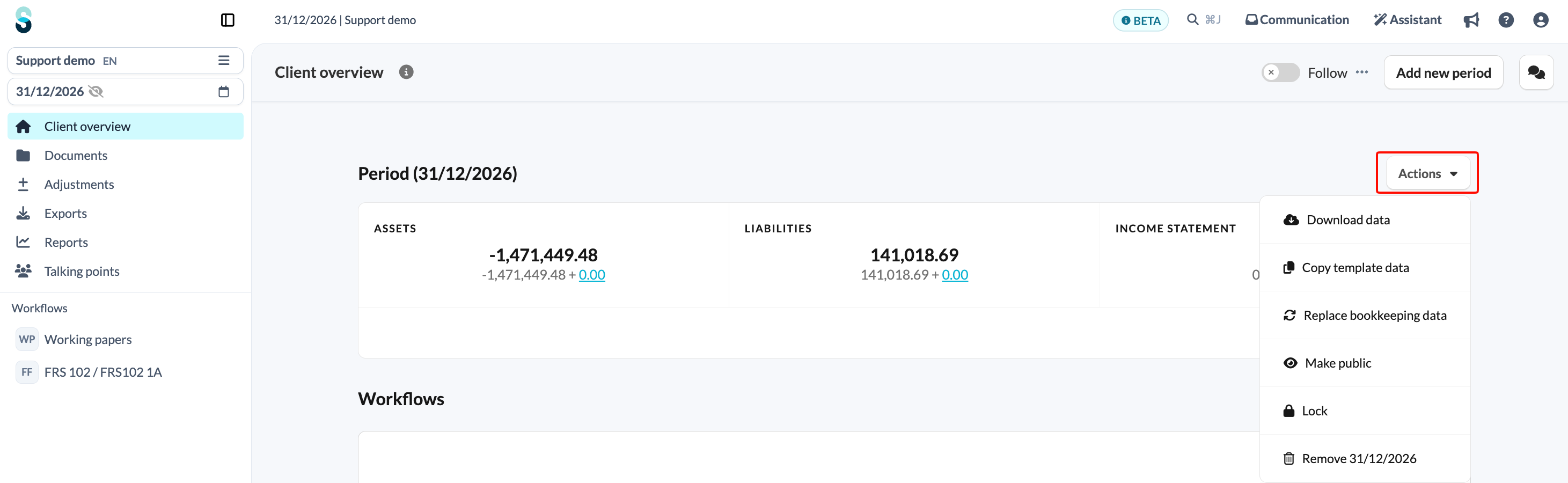
- Use the 'Actions' button and its underlying actions on the client overview screen (e.g. removing or locking a period, downloading data, etc.).
- Access the Edit file button.
- Add or delete workflows.
- Add reconciliations and checklists within a workflow.
- Add or delete reports.
- Star or unstar temaples.
- See the audit log.
- Edit tags in communication.
What happens to exports created by an External Contributor?
When creating exports, a default neutral style is automatically applied for all External Contributors.
Key information
- Automatic by default: As soon as an External Contributor is active, a unique, neutral export style is enabled for them automatically.
- Mandatory style: The External style is automatically applied to any export created by an External Contributor.
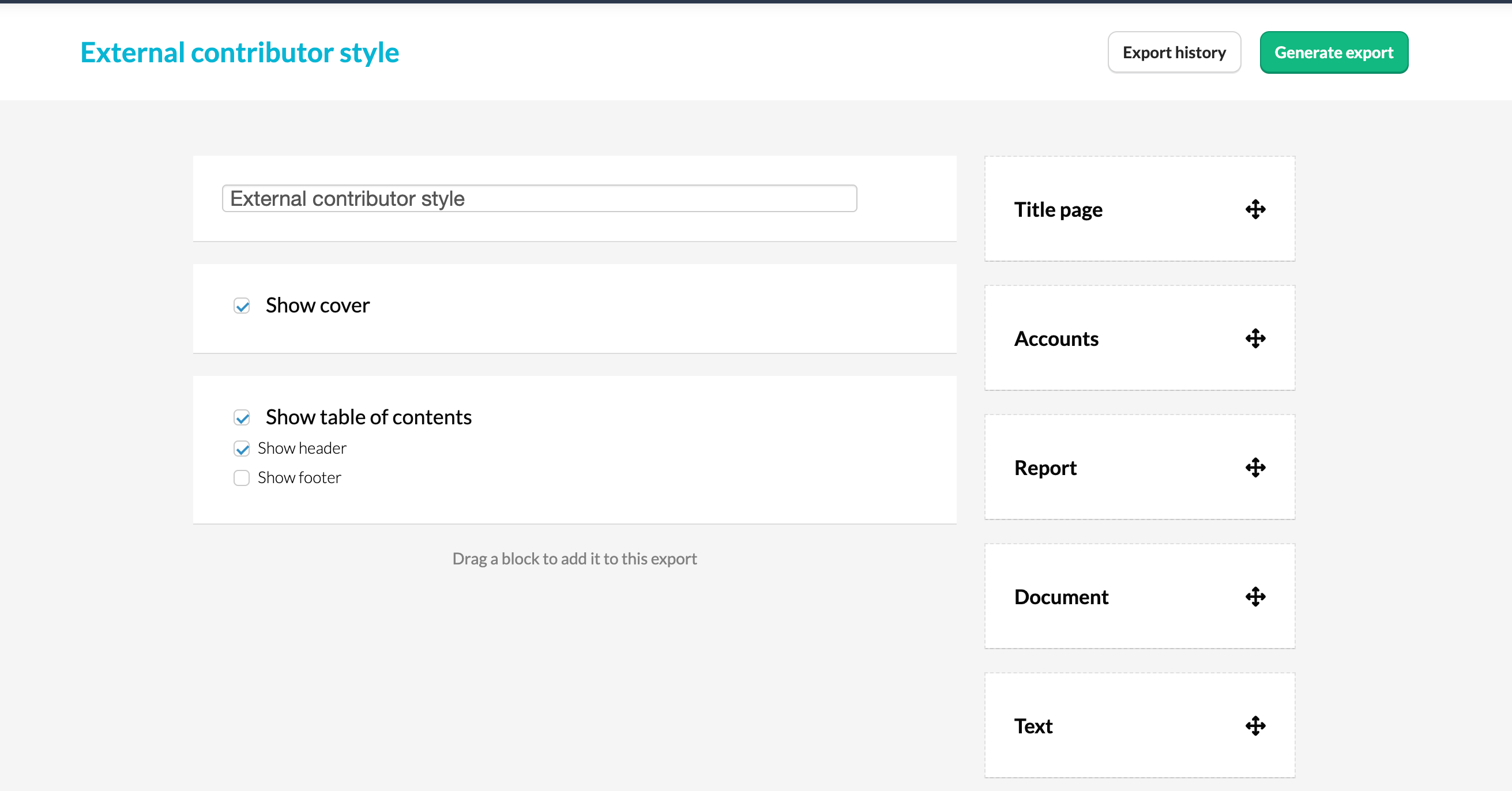
- Full control: The External style can be edited at the firm level if needed. However, it cannot be copied or deleted, preventing incorrect use of firm branding.
- Simplified export options: External Contributors cannot choose a different style or bundle during export; these options are hidden from them.
- Filtered export history: External Contributors only see their own exports, created with the External style, ensuring confidentiality.
Who can I contact for more information?
- If you have questions or need to activate specific functionalities, please contact your Customer Success Manager for further assistance.