
| User Roles |  Admin Admin | ✗ Staff contributor | ✗ External Contributor | ✗ Pulse user |
The Silverfin reporting tool is an accountant's trusty companion. It provides a set of standard reports that cover most common accounting needs, while also allowing firms to create custom reports tailored to their own requirements. This article explains how standard reports from the Silverfin Marketplace work, how to recognise them in your environment, and what to do if you want to customise them.
Table of contents
- Reports in the Silverfin Marketplace
- How to recognise a Marketplace report
- Customising a Silverfin Marketplace report
Reports in the Silverfin Marketplace
- Standard report templates are available in the Silverfin Marketplace for certain markets and reporting purposes.
- These templates can be Scarcely modified. They are maintained either by Silverfin or by Silverfin partners. You can add them to your environment to use industry-standard report layouts without having to build them from scratch.
Marketplace report templates may be included in:
- a dedicated reporting package, or
- a broader market-specific package.
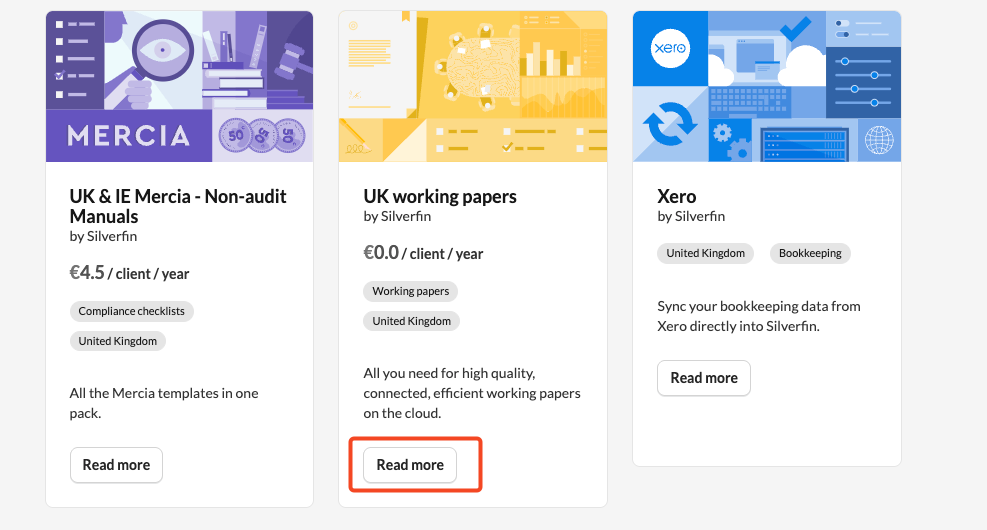
For example, in the UK market, the UK Working Papers package contains several standard report templates that can be used directly in your reporting workflows.
How to recognise a Marketplace report
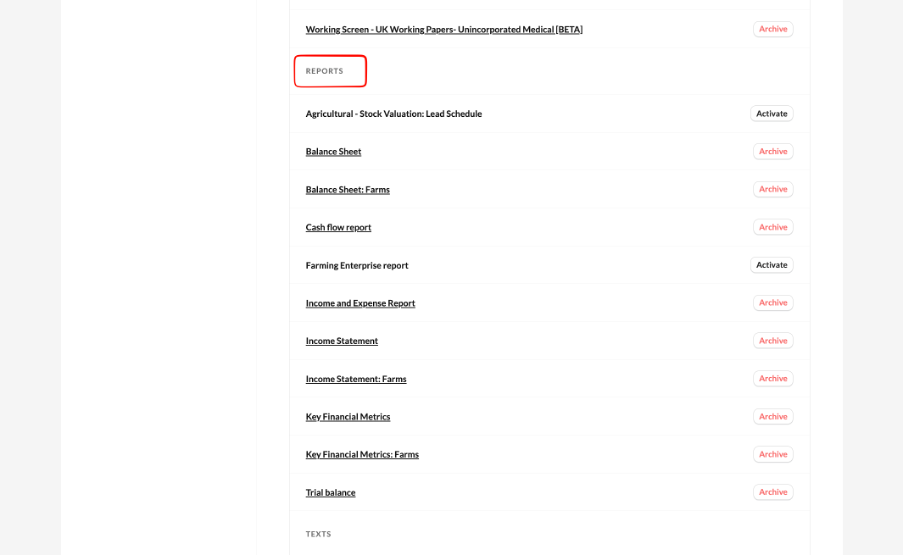
Once a Silverfin Marketplace report has been added to your firm, it can be identified by a Silverfin tag. This tag indicates that the report is a standard template maintained by Silverfin.

If you notice a potential issue in Silverfin Marketplace report, such as missing information or a spelling mistake, please contact Silverfin support.
Customising a Silverfin Marketplace report
Only following settings can be edited in the marketplace report: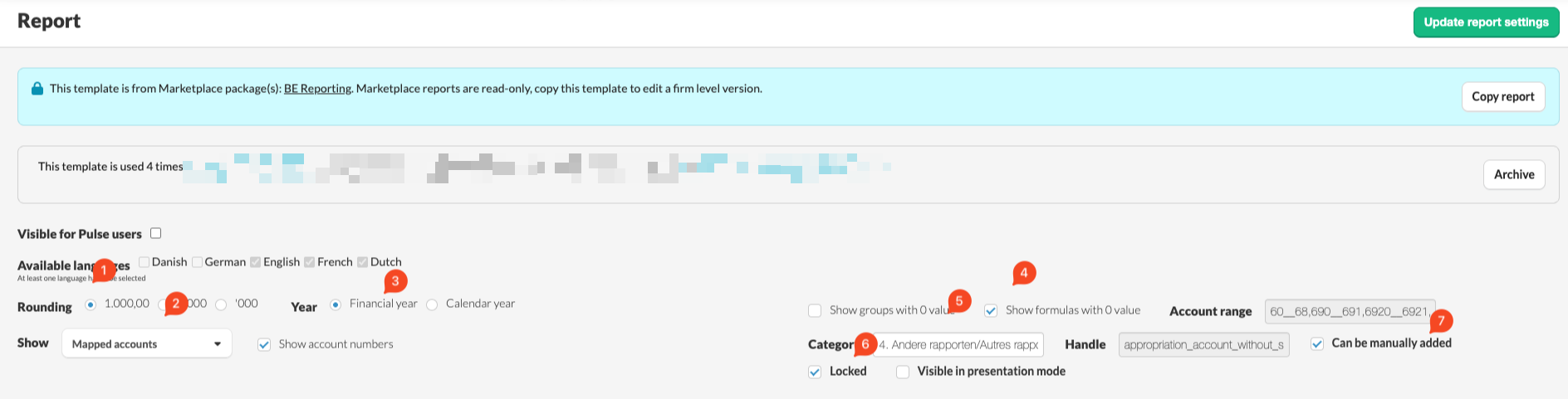
- Rounding
- Display of accounts (mapped versus original)
- Display of year (financial versus calendar)
- Show groups and formulas with 0 value
- Report category
- Should the report be locked or unlocked
- Can the report be manually added
- If a standard report does not fully meet your needs, the recommended approach is to create a copy of it.
- After copying the report, you can modify the copy to suit your firm’s preferences. For example, you can adjust the layout, wording, or structure while keeping the original standard report unchanged.
- This approach allows you to benefit from the standard template while maintaining the flexibility to tailor reports to your own requirements.
- For detailed instructions on how to copy a report at the firm level, consult the dedicated article on this topic.