
| User Roles | ✗Staff contributor | ✗External Contributor | ✗Pulse user |
This article explains how to create an analytical client file in Silverfin. Once a client file is configured as analytical, you can use dimensions from your accounting data or manual upload to analyse and report on financial figures in more detail.
Table of contents
- Why use analytical client files
- Create a new analytical client file
- Convert an existing client file into an analytical client file
Why use analytical client files
- Analytical client files allow you to use analytical reporting, which means financial data in reports can be broken down by specific dimensions. This reflects the analytical structure used in the accounting system and allows you to analyse financial data in greater detail.
- To use this functionality, the client file must first be configured as an analytical client file. This can be done either when creating a new client file or by updating the settings of an existing one.
- Analytical client files are Premium files and have a higher cost than standard client files. If you would like more information about pricing, contact your Customer Success Manager.
Create a new analytical client file
You can create analytical file when creating a new client file on a firm level.
Steps
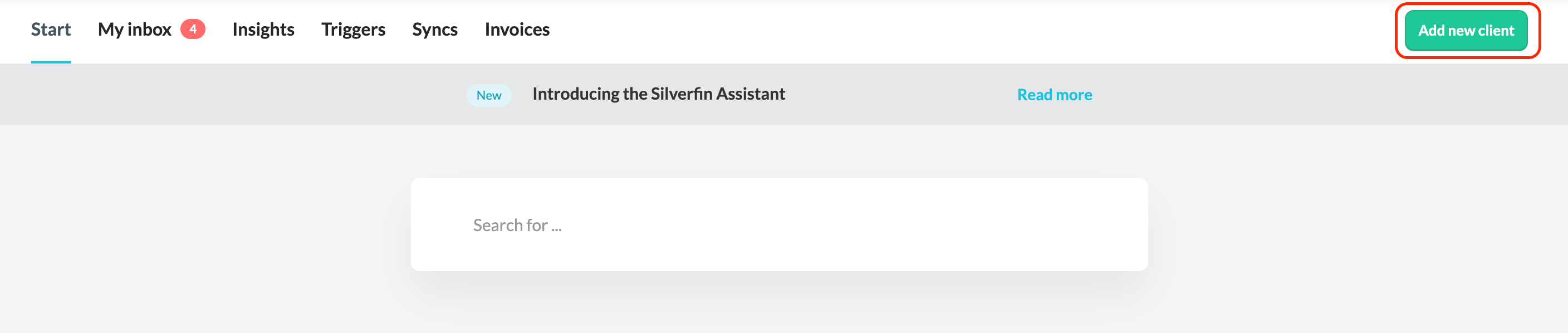
- Create a new client file in Silverfin by clicking the button 'Add new client'.
- In the client file setup, select analytical file type.
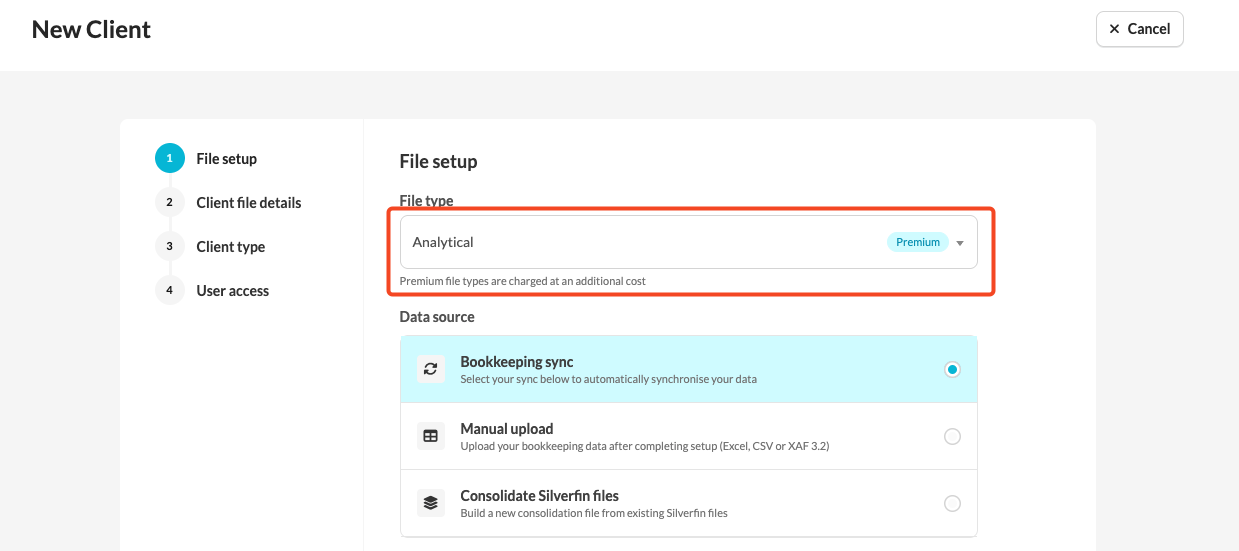
- Save the client file.
- The client file is now configured to support analytical dimensions.
Detailed information on how to create a client file can be found in the following article: How can I add a new file?
Convert an existing client file into an analytical client file
You can also convert an existing client file into an analytical one.
Steps
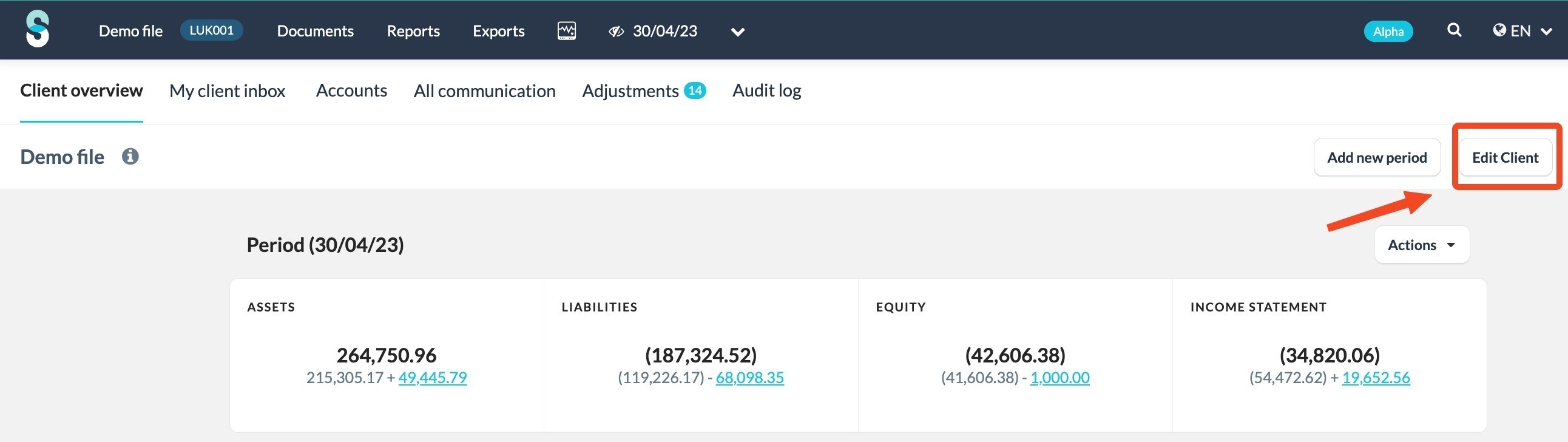
- On the client overview screen, click the 'Edit Client' button.
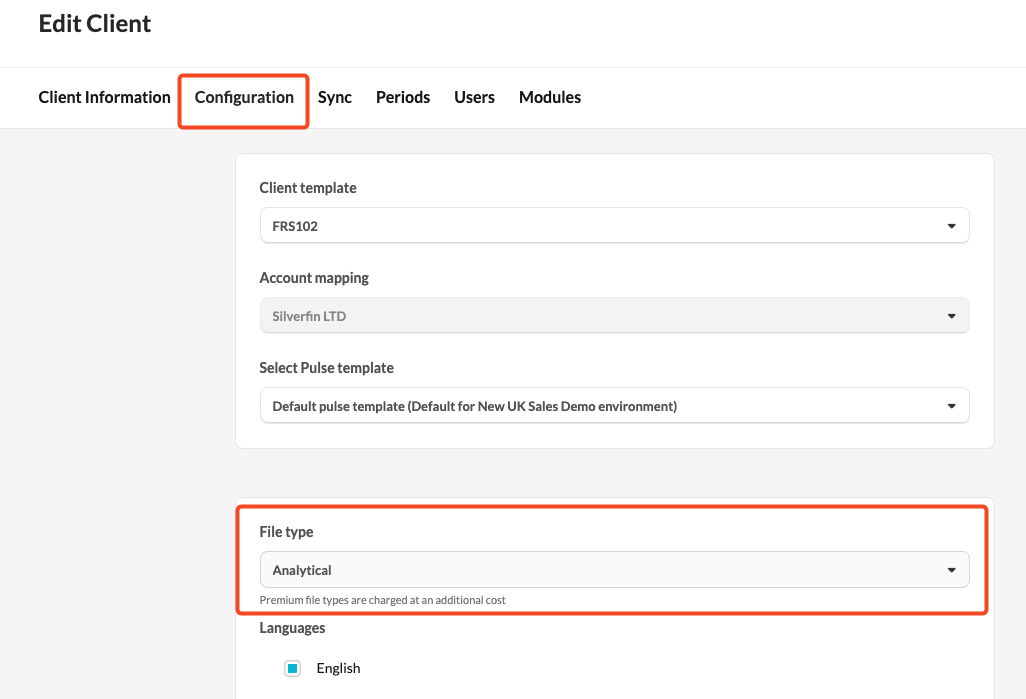
- Go to 'Configuration' tab.
- Scroll down and adjust the client file type to analytical.
- Synchronise the client file again with your accounting software, if you use one, to ensure the analytical data is imported correctly.
This article provides an overview of the accounting packages that support dimension synchronisation in Silverfin.