
| User Roles |  Admin Admin |  Staff contributor Staff contributor | ✗External contributor | ✗Pulse user |
The Legal Documents workflow allows you to prepare a company's legal reports in Silverfin. The reports are linked to the data in the file and are updated based on the latest available templates. This article explains how to activate the workflow, the recommended order for completing it, and where to find the main settings.
Table of contents
- Activate the workflow
- In which order should I complete the workflow?
- Settings
- Shareholders/Associates & Governance body/Managers
- Minutes of the meeting of the governance body/manager(s)
- Minutes of the ordinary shareholders/associates meeting
- Annual report
- Specific reports
- Firm-level configuration
Activate the workflow
First, activate BE Legal documents (NEW) via the Marketplace.
For more information, see How do I activate the Legal documents (NEW) workflow? (BE market)
The workflow includes the following templates:
- Settings
- Shareholders/Associates & Governance body/Managers
- Minutes of the meeting of the governance body/manager(s)
- Minutes of the ordinary shareholders/associates meeting
- Annual report
- Postponement of the ordinary shareholders-associates meeting
- Special report of the governance body - alarm bell procedure
- Minutes of the special shareholders meeting - alarm bell procedure
- Nomination delegated director (report managing director(s)/executive director(s))
Good to know: the workflow is period-specific, supports multiple languages and can retrieve data from other workflows such as Annual Accounts, Corporate Tax and the Working Papers. Data can also be copied to a subsequent period.
In which order should I complete the workflow?
We recommend completing the workflow in the following order.
| Step | What do you do here? |
| 1. Settings | Set the language, date of the meeting, agenda items and general settings |
| 2. Shareholders/Associates & Governance body/Managers | Enter directors, shareholders or associates, shares and meeting roles |
| 3. Minutes of the meeting of the governance body/manager(s) | Complete the information for the meeting of the governance body |
| 4. Minutes of the ordinary shareholders/associates meeting | Complete the allocation of results, dividends, remuneration and voting information |
| 5. Annual report | Check the key figures and date |
| 6. Specific reports | Complete only when applicable, for example for an alarm bell procedure, postponement of the meeting or nomination of a delegated director |
Settings
Always start with Settings template. The choices you make here determine which information appears later in the different reports.
At the top of the page, you will find an overview that lets you navigate directly to the different sections.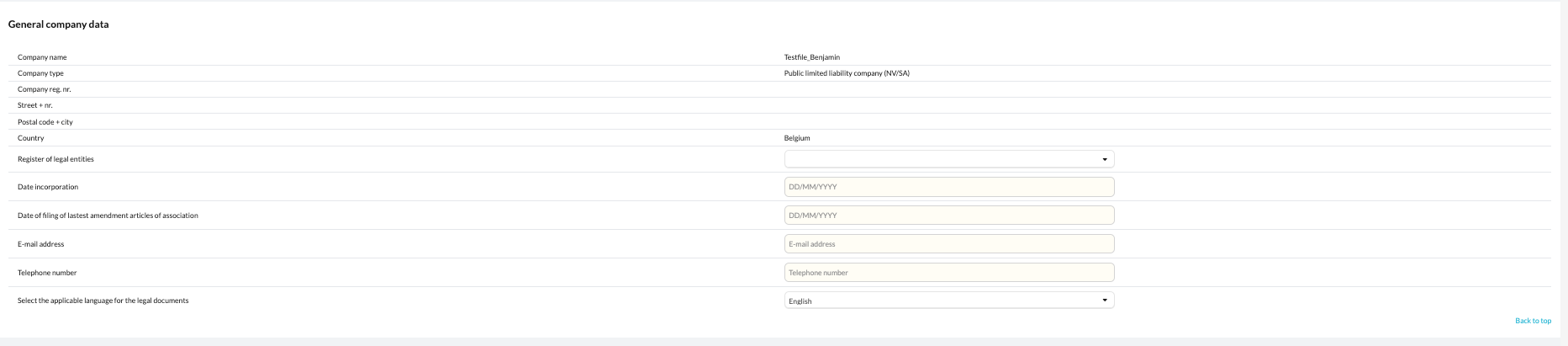
Language of the reports
Here you determine the language in which the reports are prepared.
This setting does not change the language of the Settings template itself, but it does change the language of the generated reports.
For example, you can first prepare a report in Dutch and later switch to French without losing the Dutch text.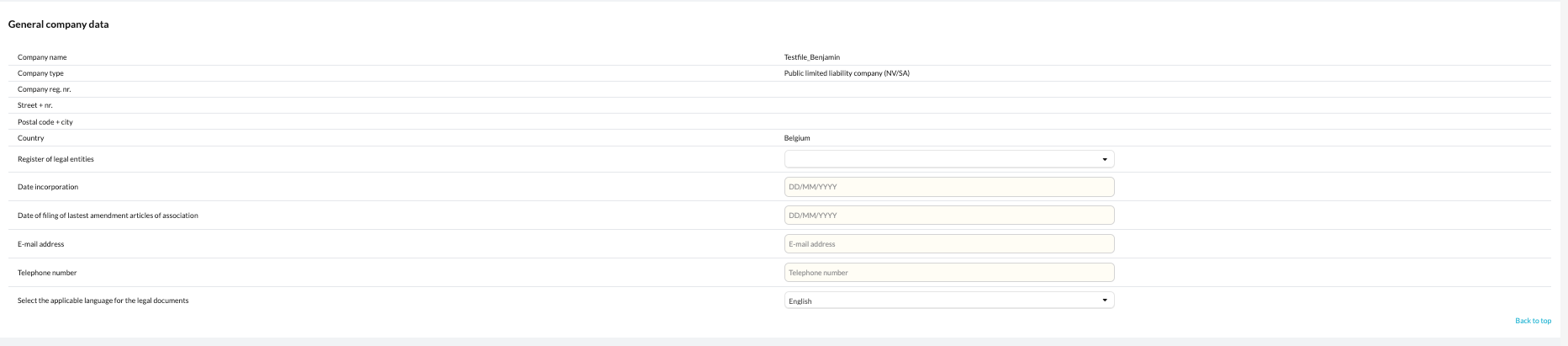
Date of the meeting
This is where you set when the ordinary shareholders/associates meeting takes place.
You can work with:
- an actual meeting date;
- a postponed meeting;
- a fixed annual date.
If the planned date falls on a Sunday or public holiday, you can choose the next working day or a specific day of the week. When using a working-day option, Silverfin takes Belgian weekends and public holidays into account.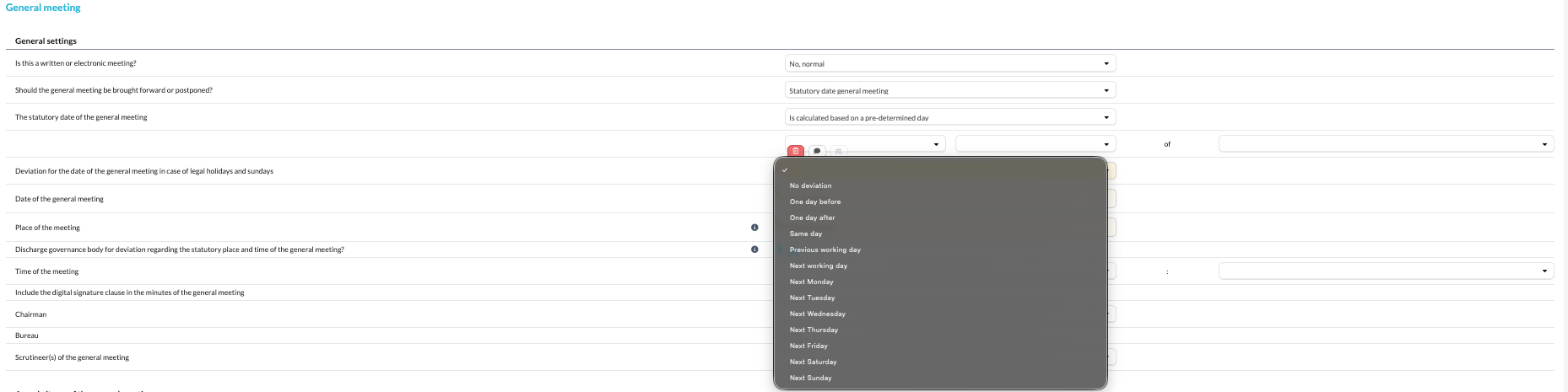
Agenda items
In Settings, you determine which agenda items will be discussed during the ordinary shareholders/associates meeting.
You select one agenda item per row. Once an item has been selected, it disappears from the selection list for the following rows.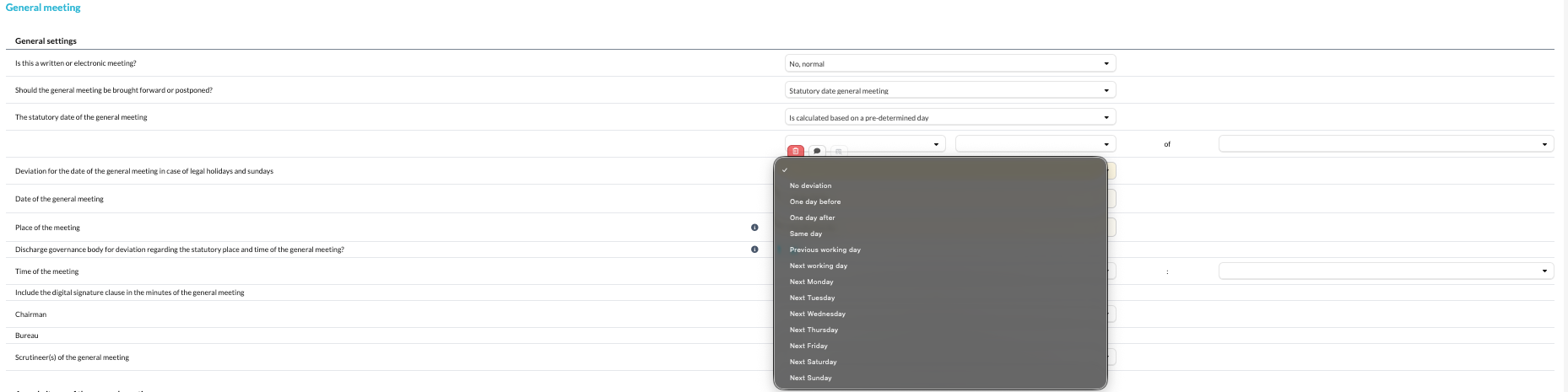
The order of the agenda items can also be changed at firm level. For more information, see How do I adjust the order of my agenda items in the Legal documents? (BE market).
Alarm bell procedure
When the alarm bell procedure applies, you can indicate whether it will be dealt with:
- during the ordinary shareholders/associates meeting; or
- during a special shareholders meeting.
The available figures are retrieved from the Working Papers. You can also view which accounts make up the total.
You can also indicate whether the meeting takes place in writing, electronically or in person.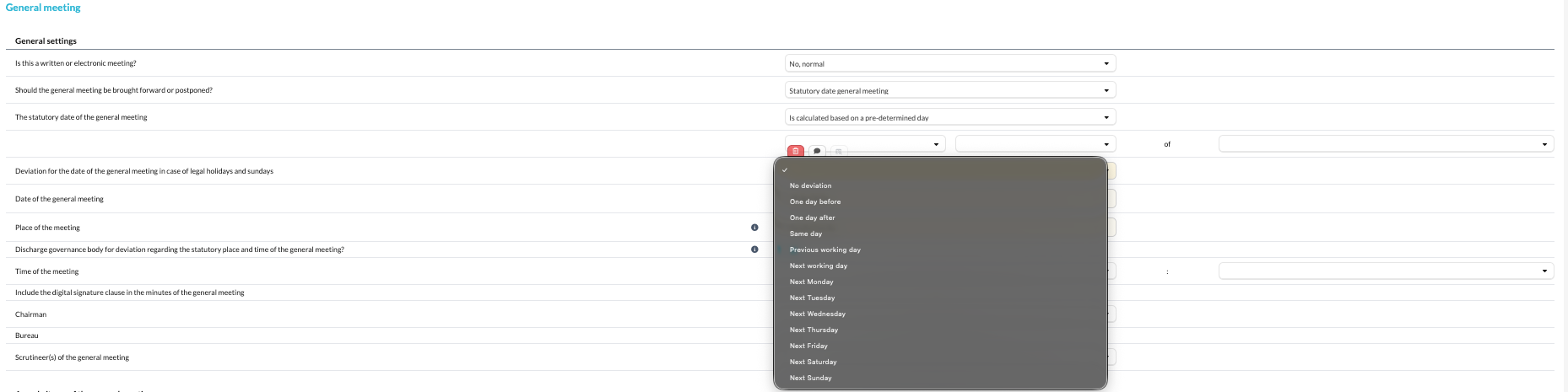
Shareholders/Associates & Governance body/Managers
This is where you manage the client's register of persons.
You can enter:
- managers and members of the governance body;
- shareholders and associates;
- shareholdings;
- roles during the meeting;
- permanent representatives of legal entities.
The data can be entered manually or, where available, retrieved through an administrative sync.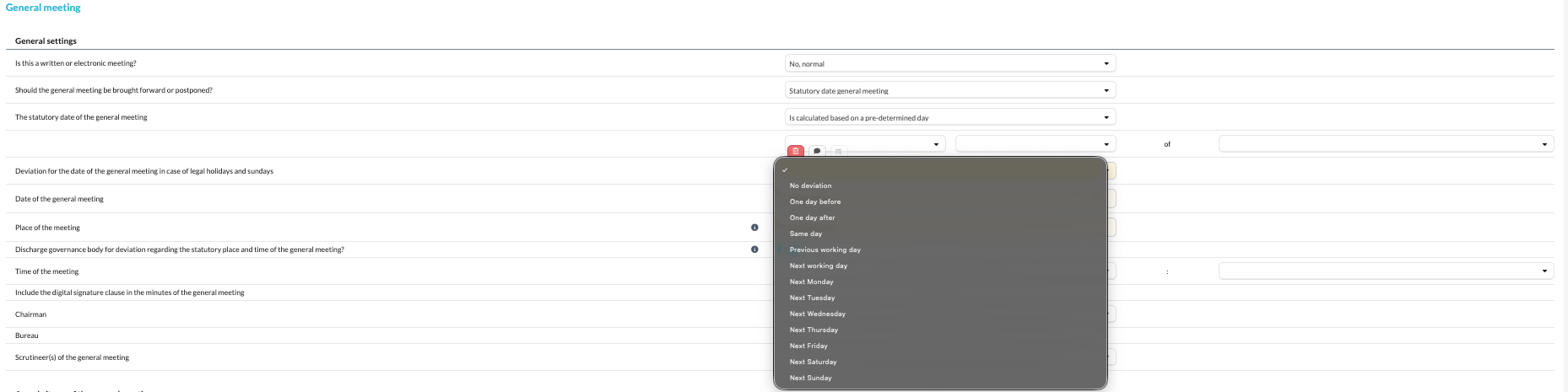
Jointly held shares
For jointly held shares, create a separate person in the register of persons.
For example, if Robrecht and Tim jointly hold 100 shares, create one person such as Robrecht & Tim and assign the 100 jointly held shares to that person.
Purchase and sale dates
You can record a purchase and sale date for each shareholder.
Once all shares have been sold, the person will no longer be shown as a current shareholder in new periods.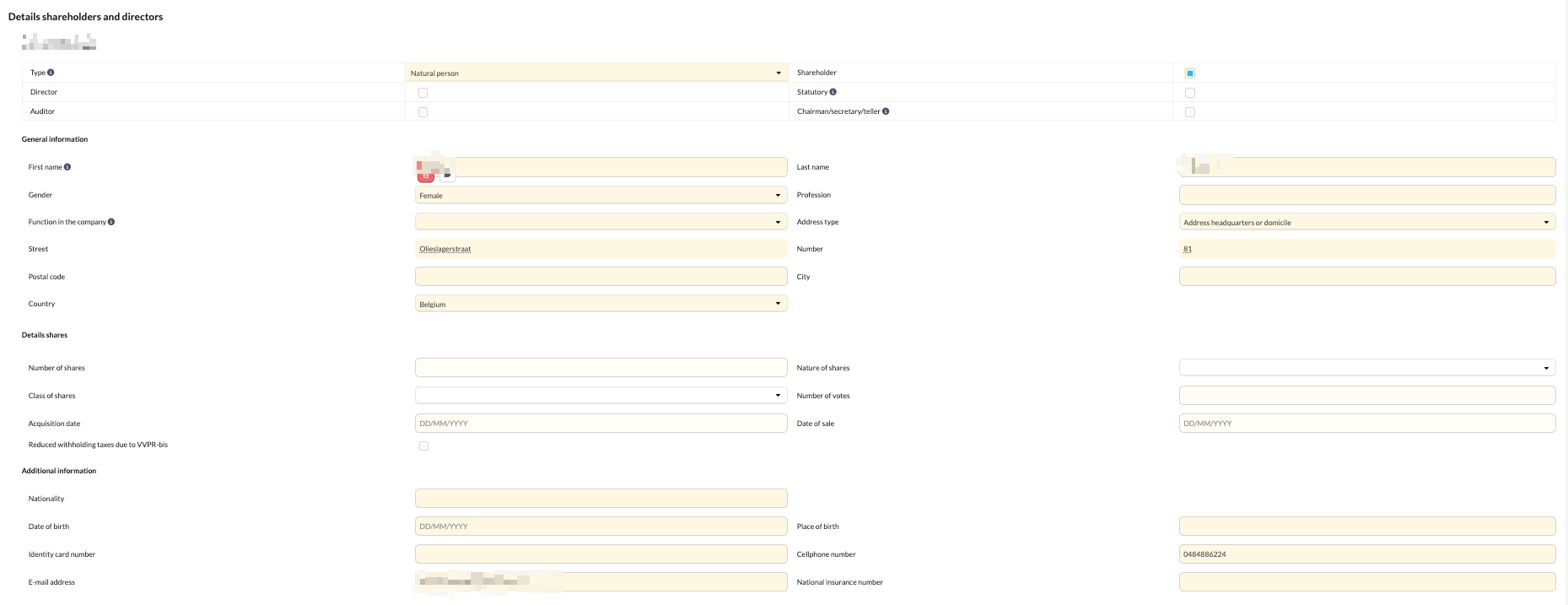
Roles during the meeting
For each person, you can indicate whether they act as:
- chairperson;
- secretary;
- scrutineer (vote counter).
When adding a legal entity, the company number is checked and you can also enter the permanent representative.
Minutes of the meeting of the governance body/manager(s)
Here you complete additional information for the agenda items of the governance body.
If the current account interest calculation template is starred, the relevant percentages can automatically be included in the report.
Minutes of the ordinary shareholders/associates meeting
This is where you prepare the content of the ordinary meeting.
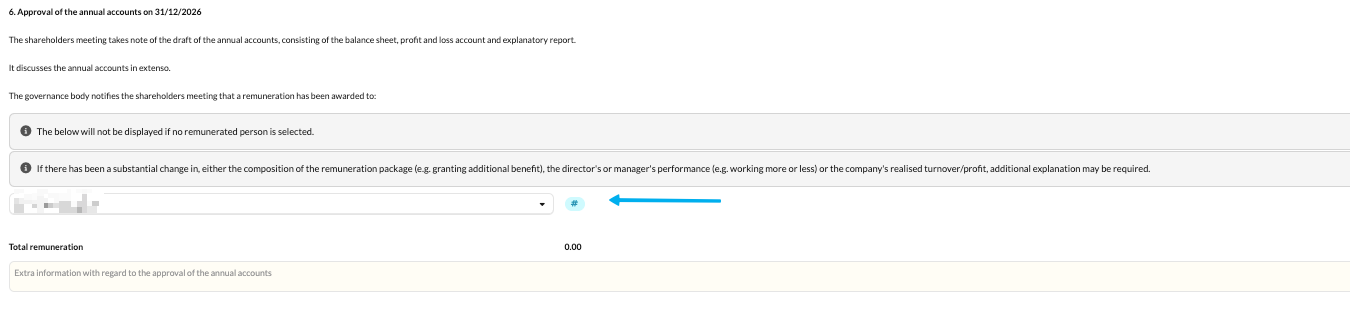
Remuneration
For managers or members of the governance body, you can link the relevant remuneration using a hashtag (#).
You can also:
- select a working associate;
- manually add remuneration under Other;
- amend the standard text;
- link information from the current account and related interest.
Allocation of results and dividends
Here you will find an overview of the allocation of results and, where applicable, the dividend distribution.
If an interim dividend has been indicated, an additional line will appear.
Double test
If the double test has already been performed and included in the reporting, you can choose whether the information should be included again in the report.
Voting
For votes, you can separately record:
- votes in favour;
- votes against;
- abstentions.
The wording in the minutes automatically adjusts based on the information entered.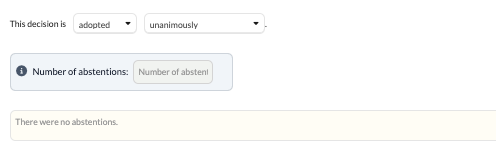
Signatures
At the bottom, you will find an overview of the governance body and shareholders.
You can choose not to display the governance body in the signature list.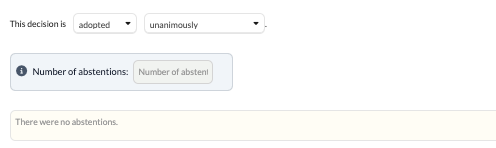
Annual report
The Annual report contains an overview of the company's key figures, adapted to the selected model.
Click a figure shown in blue to view the underlying details.
By default, the date at the bottom of the Annual report follows the date of the report of the governance body.
Specific reports
Depending on the file, additional reports may be required.
Nomination delegated director (report managing director(s)/executive director(s))
Use this template when a delegated director resigns or is (re)appointed.
You can indicate whether the director is appointed for:
- full day-to-day management;
- full authority to represent the company externally;
- both.
Alarm bell procedure
When the alarm bell procedure applies, you can use:
- Special report of the governance body - alarm bell procedure
- Minutes of the special shareholders meeting - alarm bell procedure
Postponement of the meeting
If the ordinary shareholders/associates meeting is postponed, use Postponement of the ordinary shareholders-associates meeting.
Firm-level configuration
A number of settings can be configured centrally at firm level, including:
- the default language of the reports;
- the type and name of the accountant;
- the order of the agenda items.
To change the order of the agenda items, see How do I adjust the order of my agenda items in the Legal documents? (BE market).